
Award-recognised · Title sequence
CoMotion 2023 Title Sequence: Into the Spotlight
- Year
- 2023
- Role
- Lead 3D Artist / Animator
- Software
- Autodesk Maya, Pixologic ZBrush, Substance 3D Painter, Epic Unreal Engine, Quixel Megascans.
- Recognition
- Red Dot Award (opens in a new tab) – Brands & Communication Design, Student Work
Communication Arts (opens in a new tab) – Design Annual 64, Student Work
Applied Arts Magazine (opens in a new tab) – Student Category
MODE Festival (opens in a new tab) – Best Title Sequence, Finalist
Motion Awards (opens in a new tab) – Student Title Sequence, Nominee
I was part of the branding team for the 2023 edition of SCAD’s annual CoMotion event. As Lead 3D Artist / Animator, I collaborated closely with the Creative Director and Animation Lead to establish a 3D pipeline for the team.
My other responsibilities included creating a series of environments for a few shots in the title sequence.
Co-developed by the CoMotion Branding Team (Click for full image).
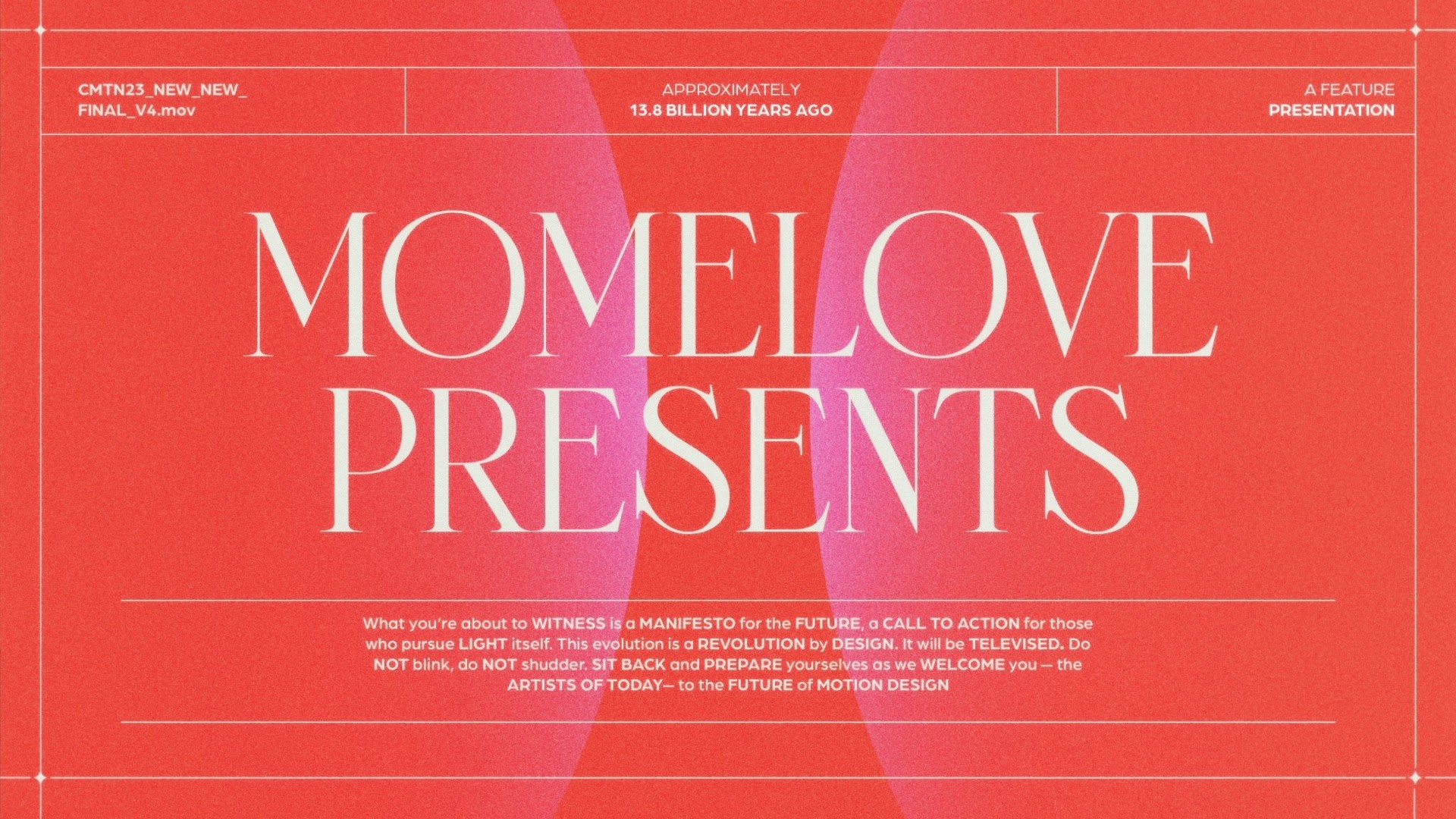
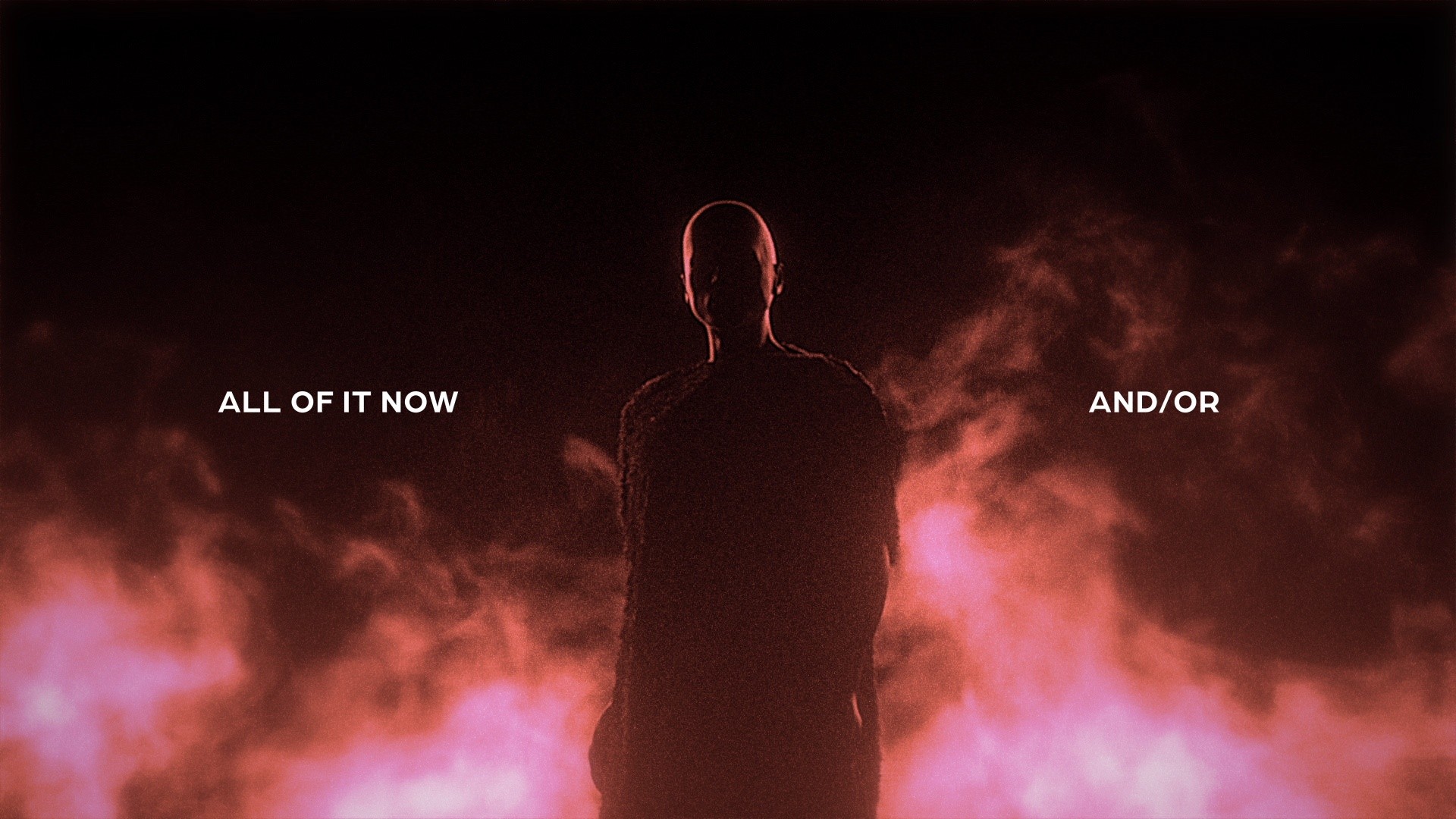
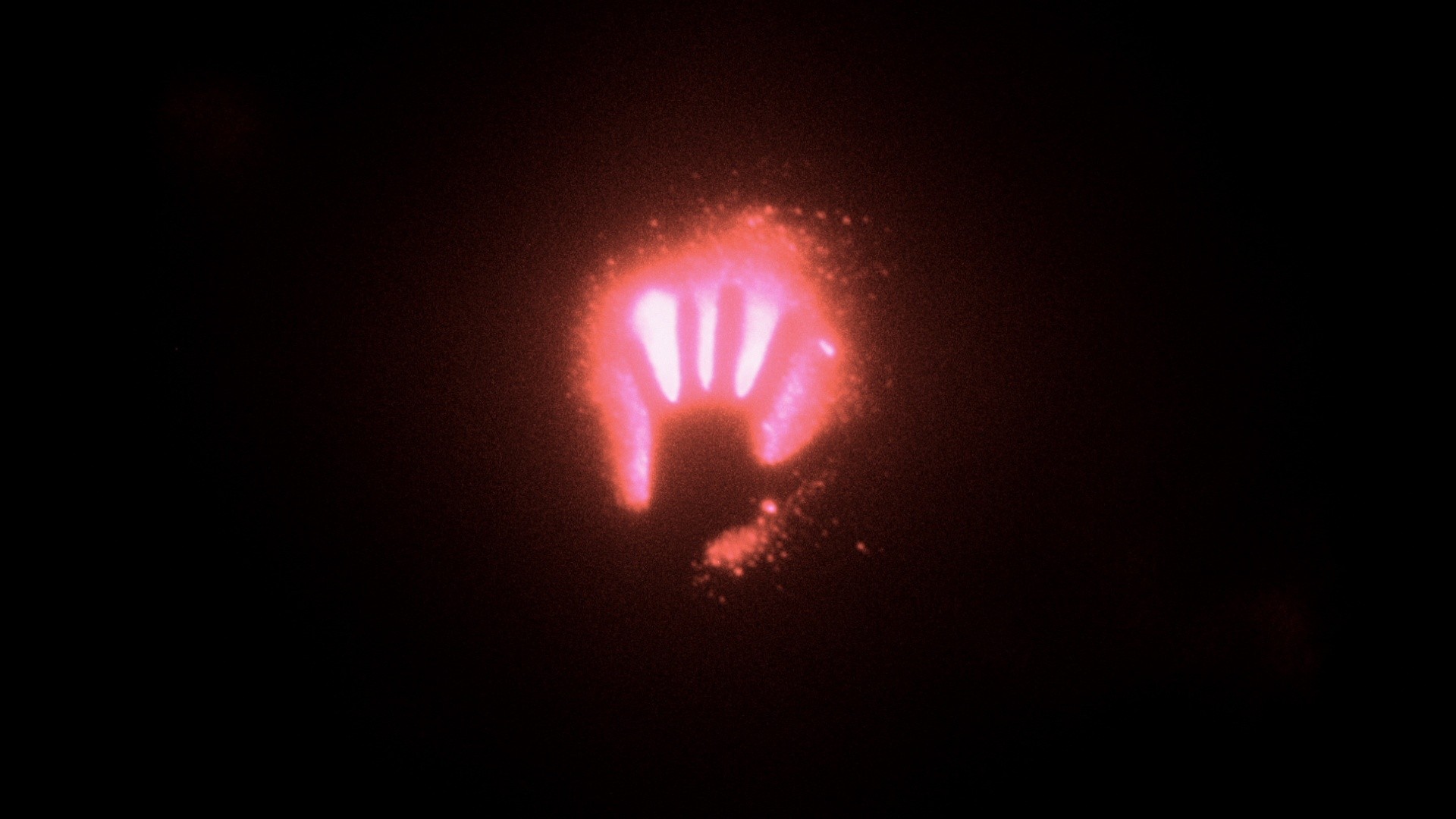
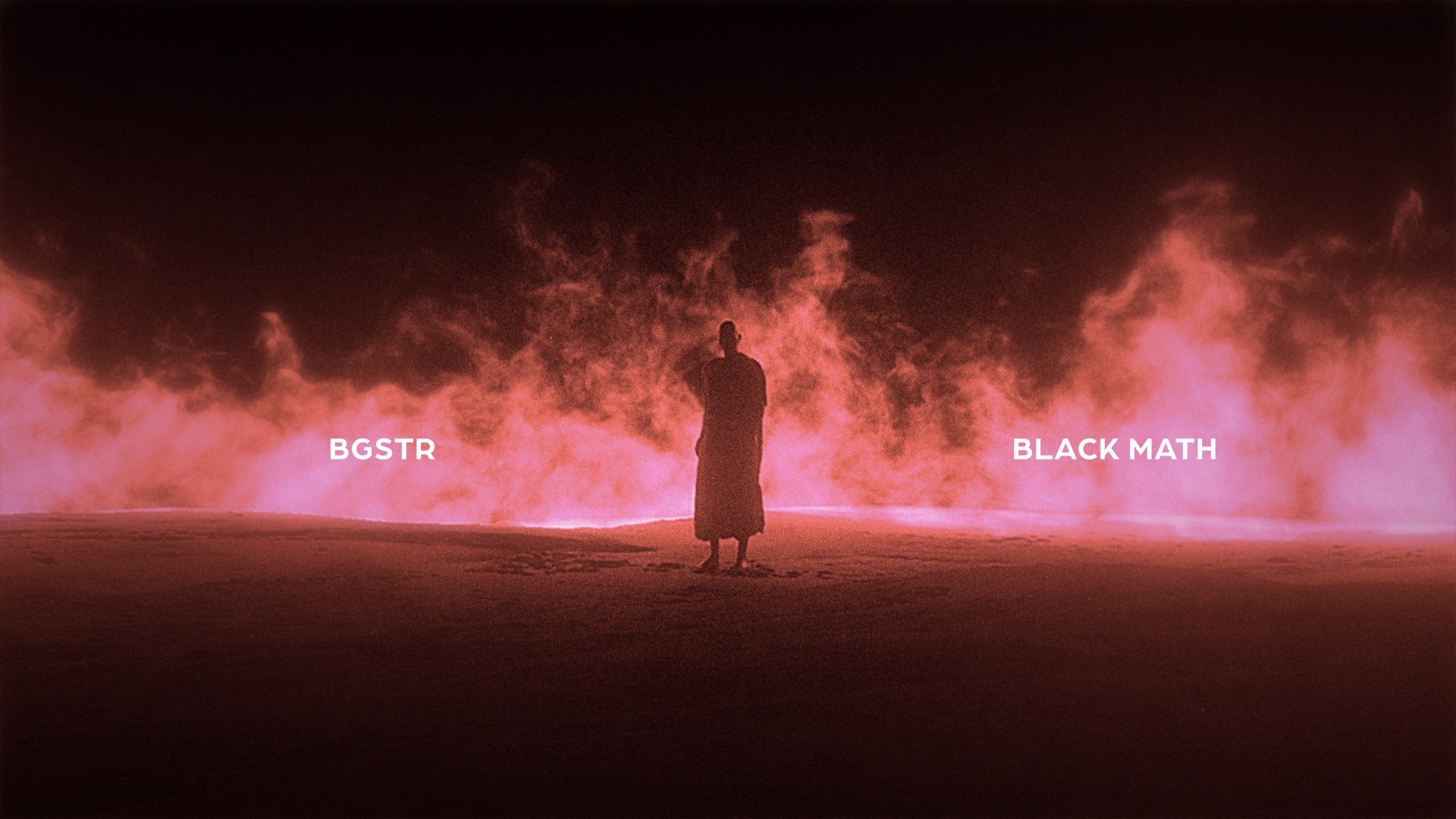

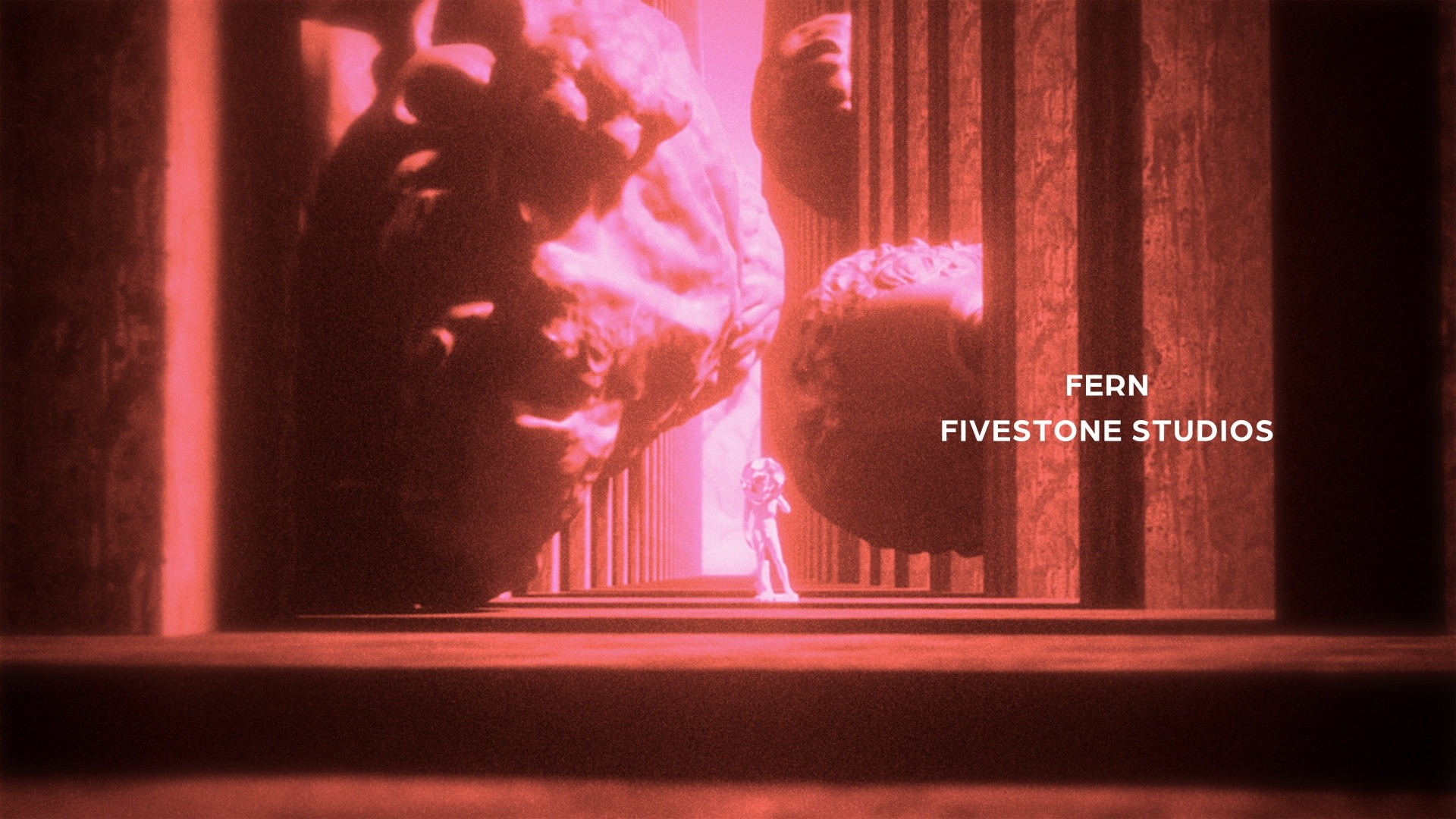
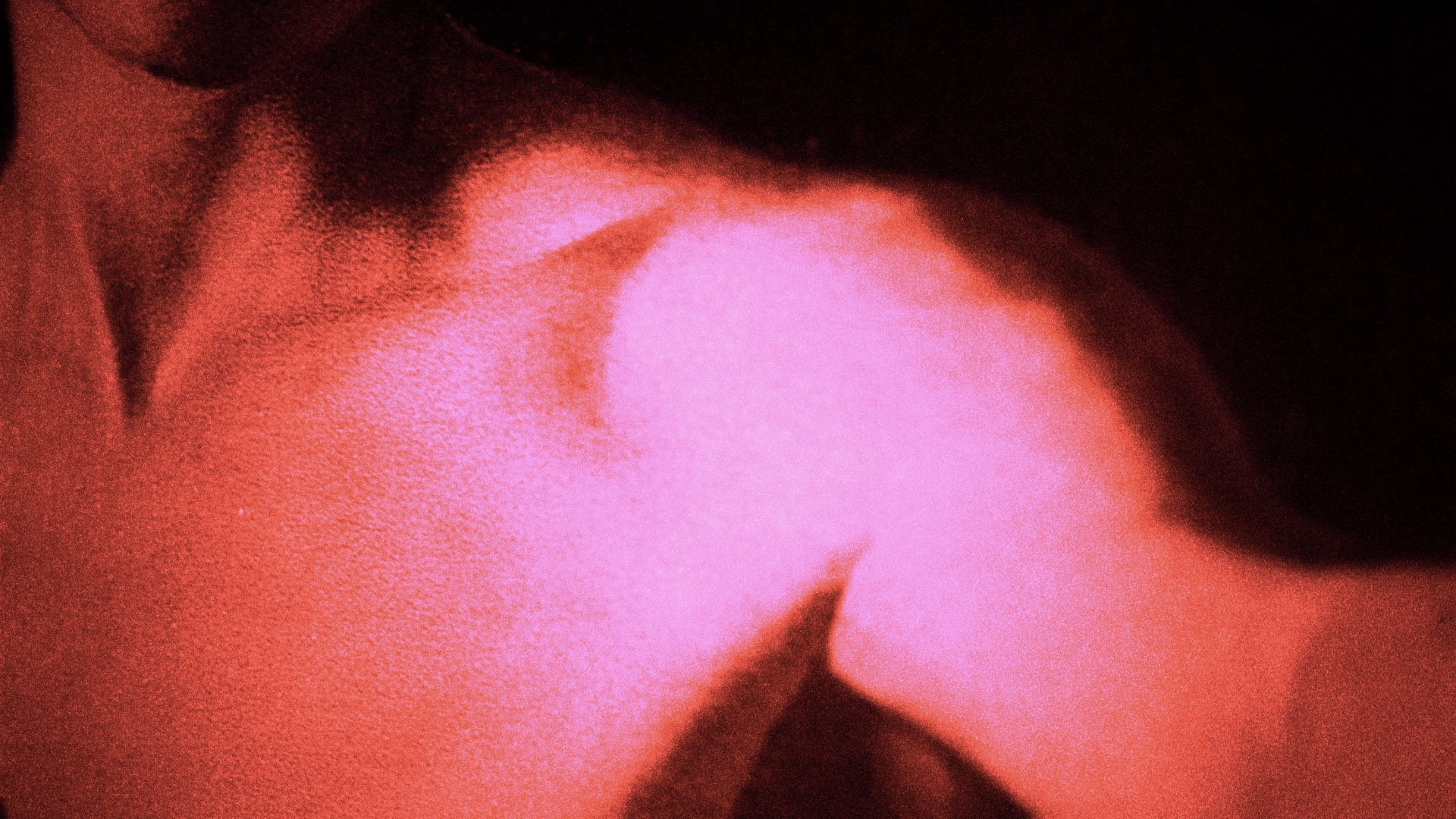

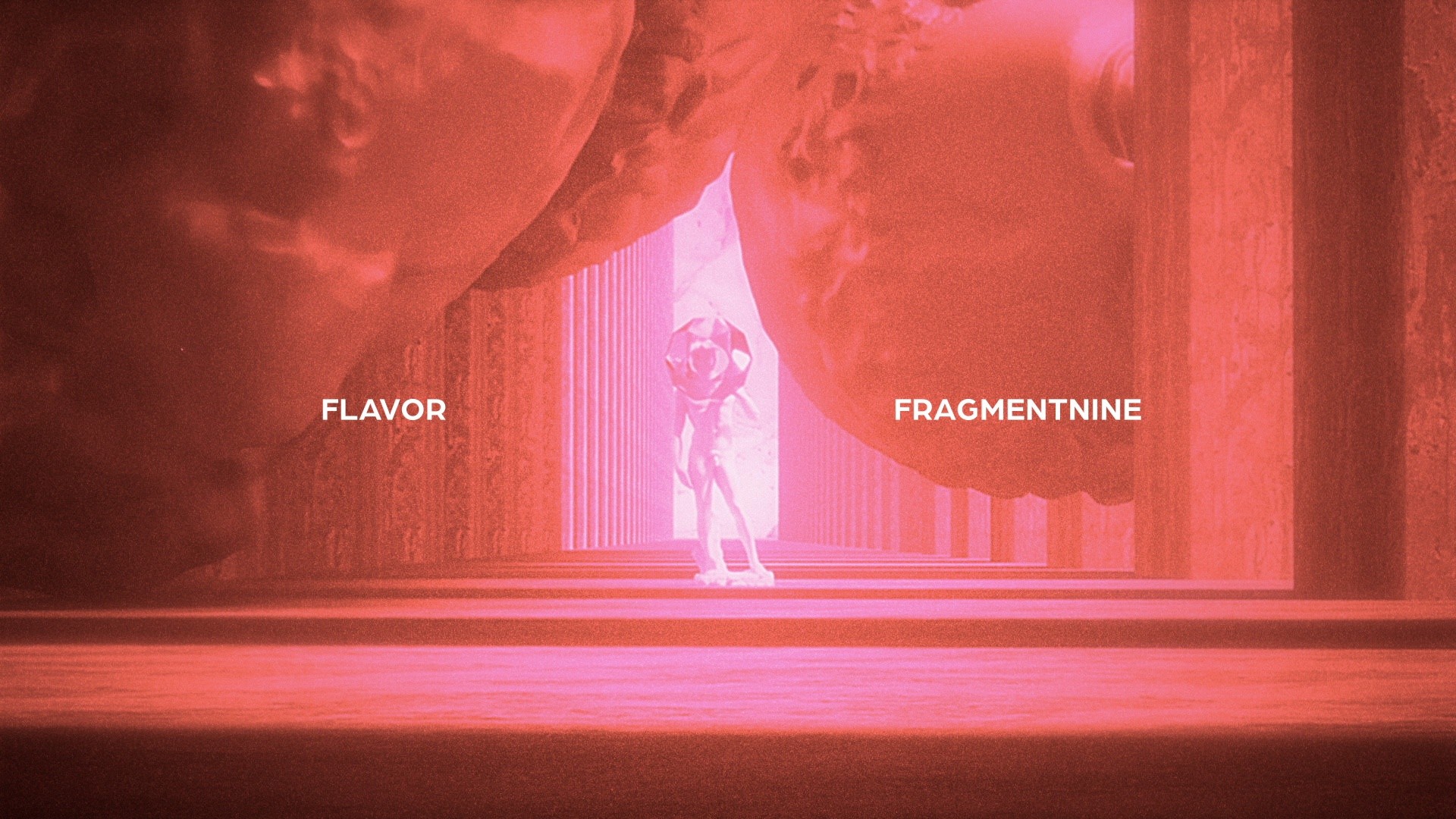
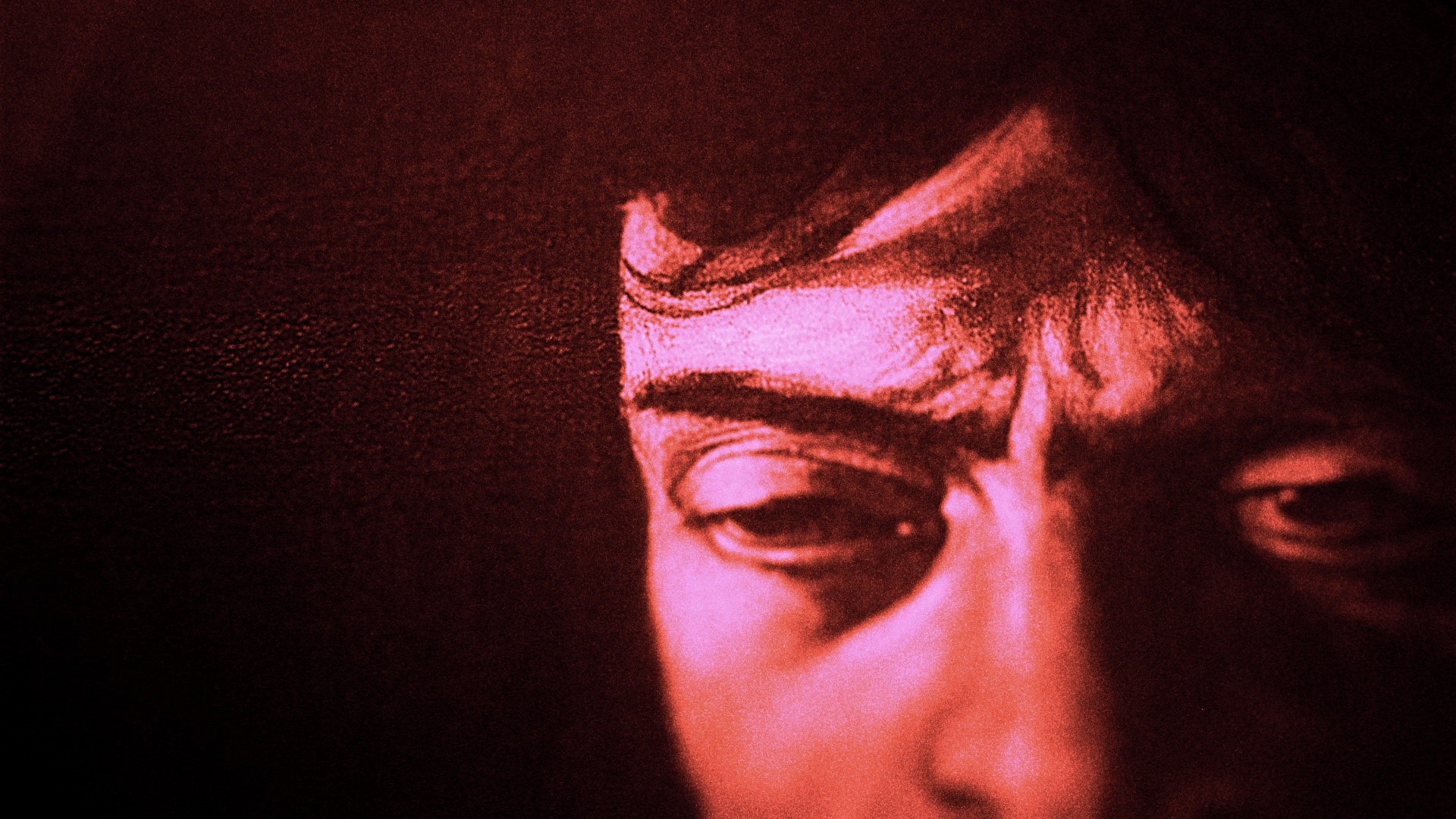
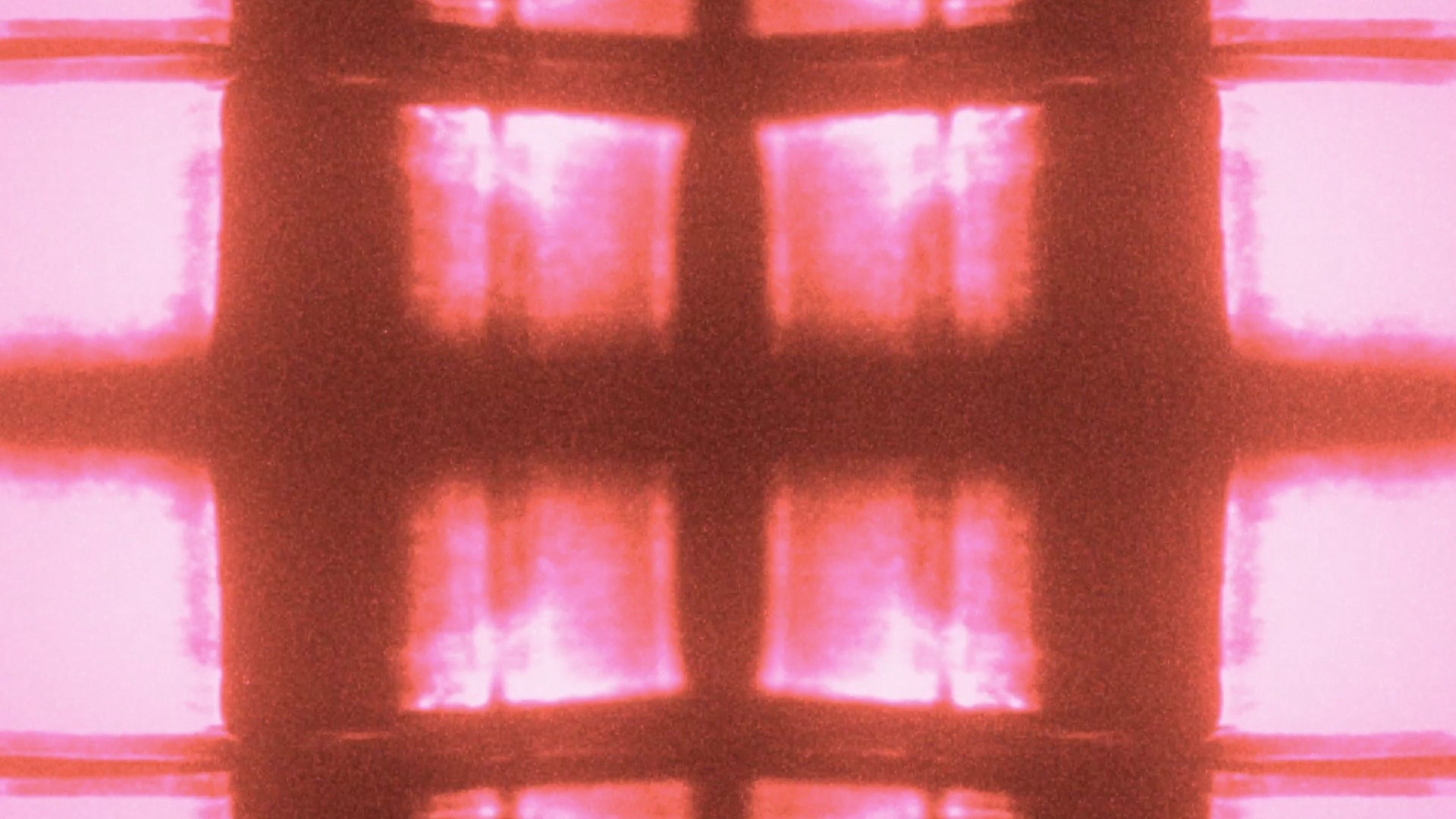
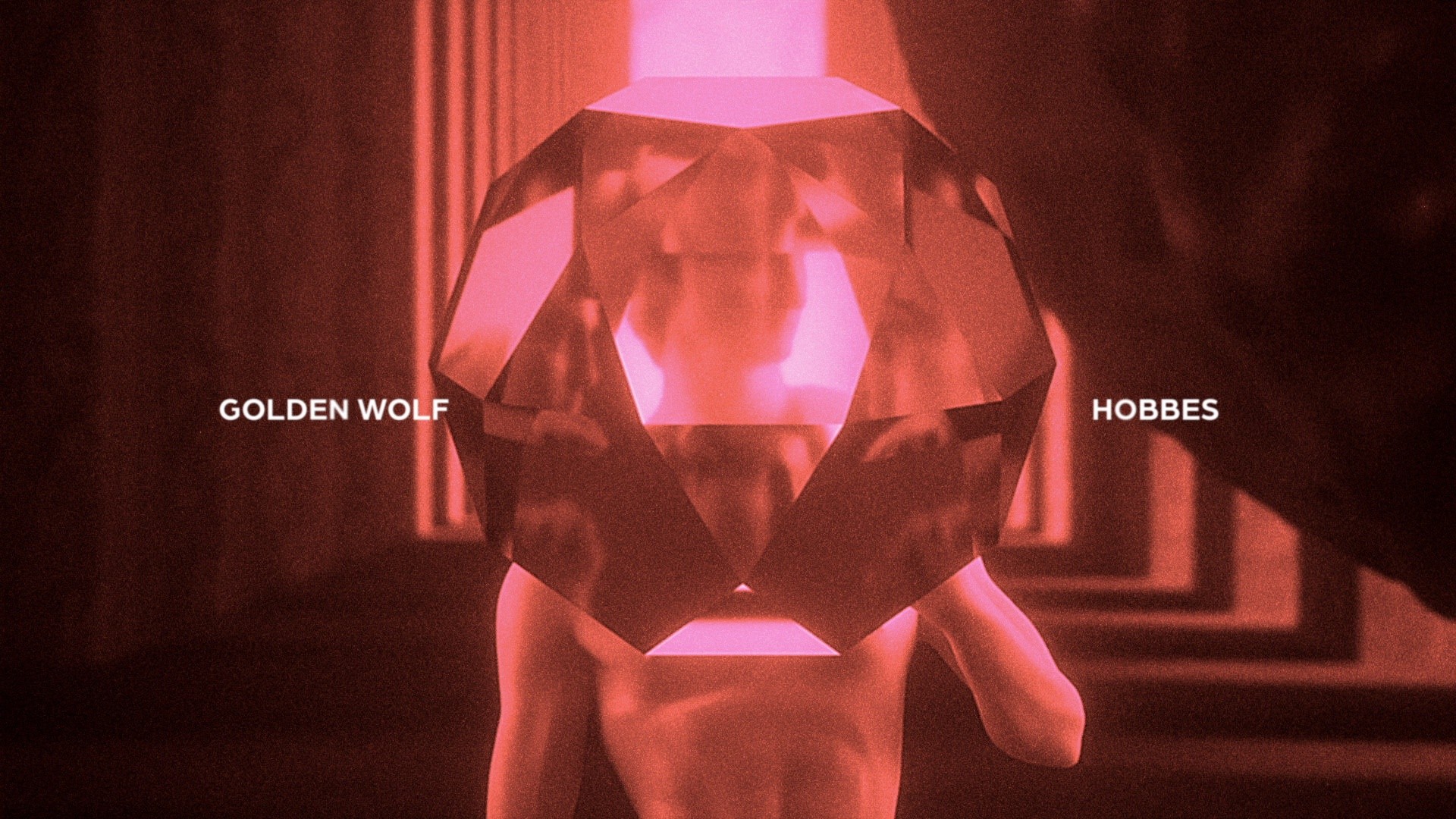
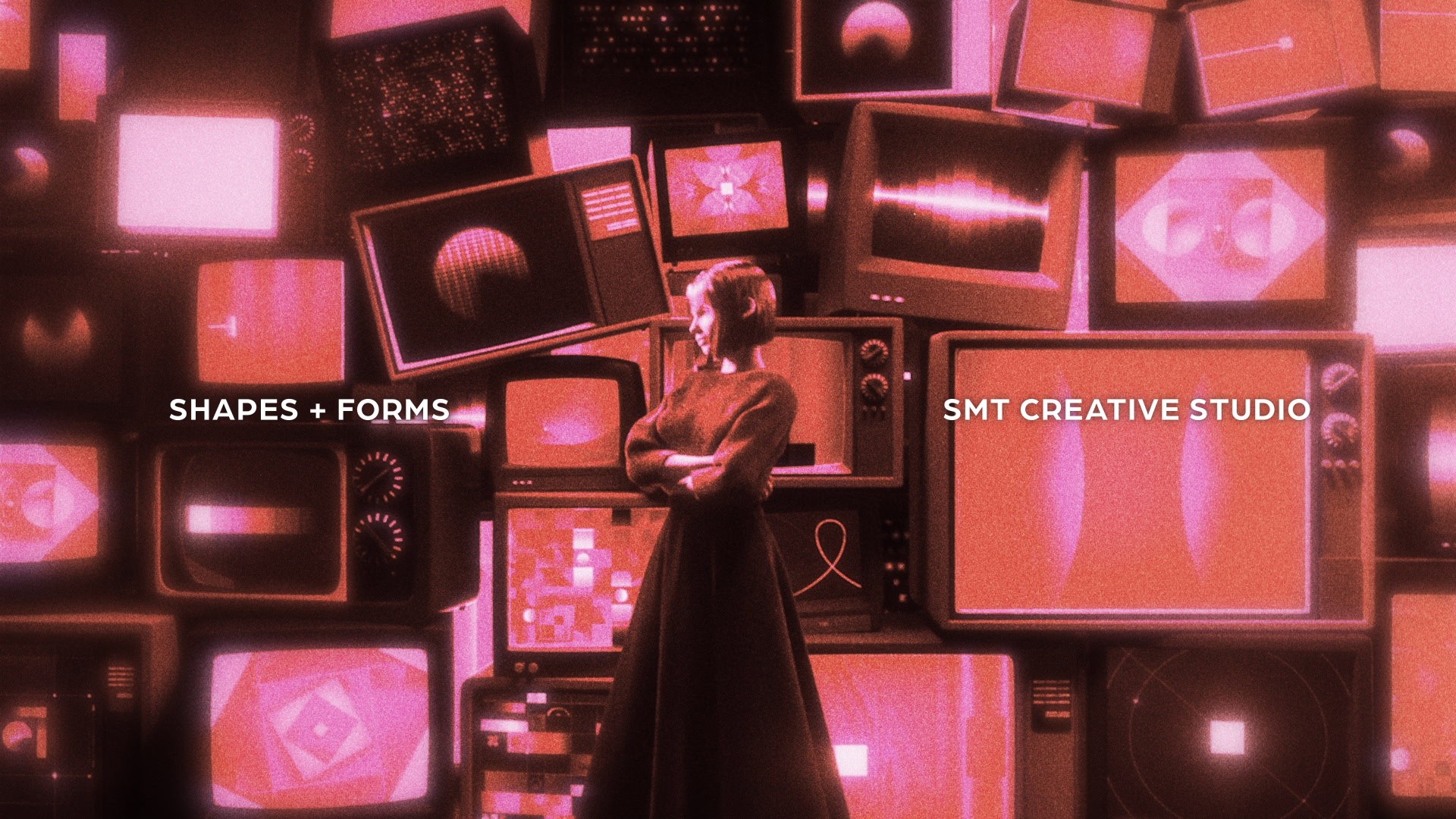
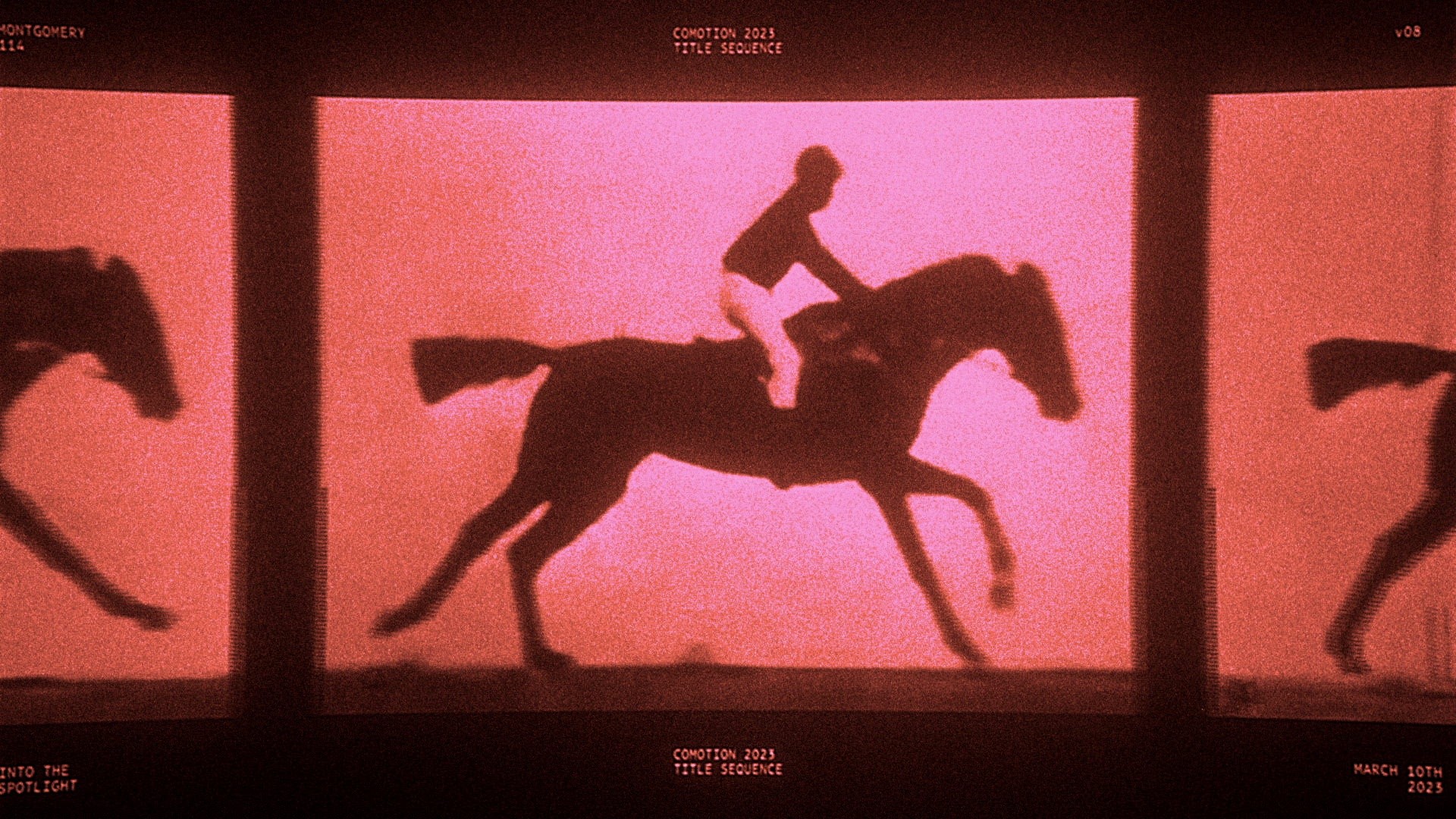
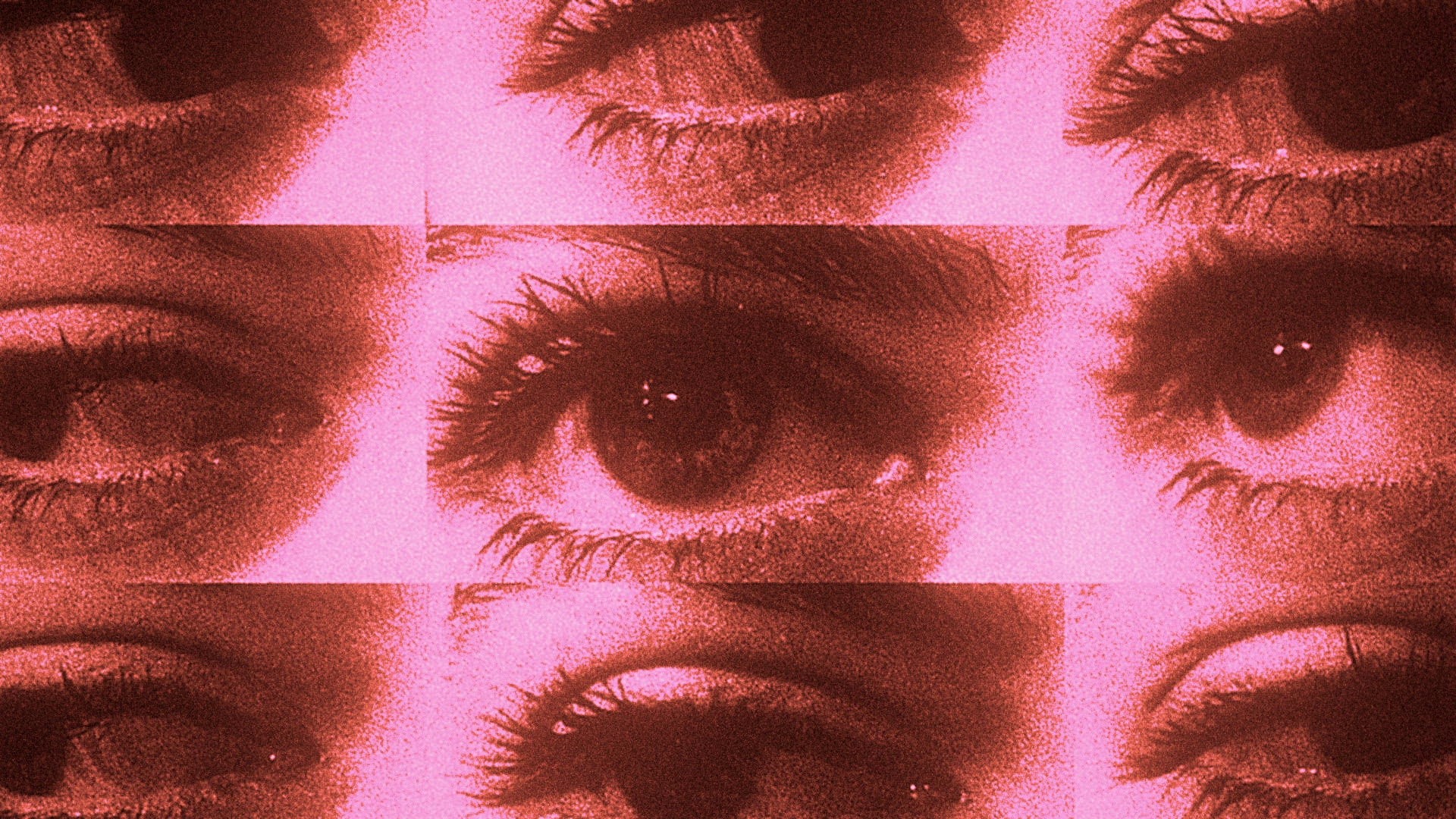
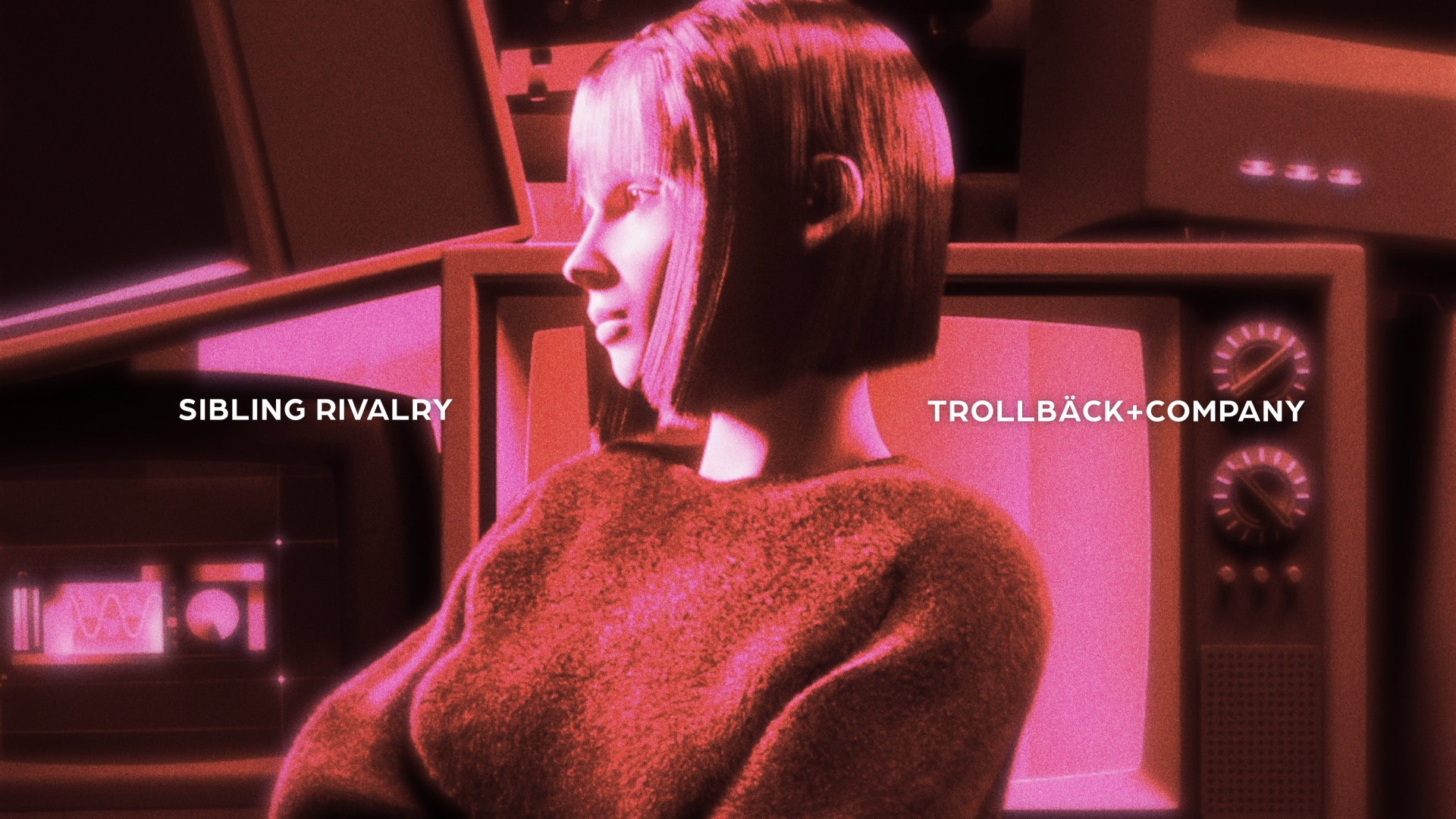
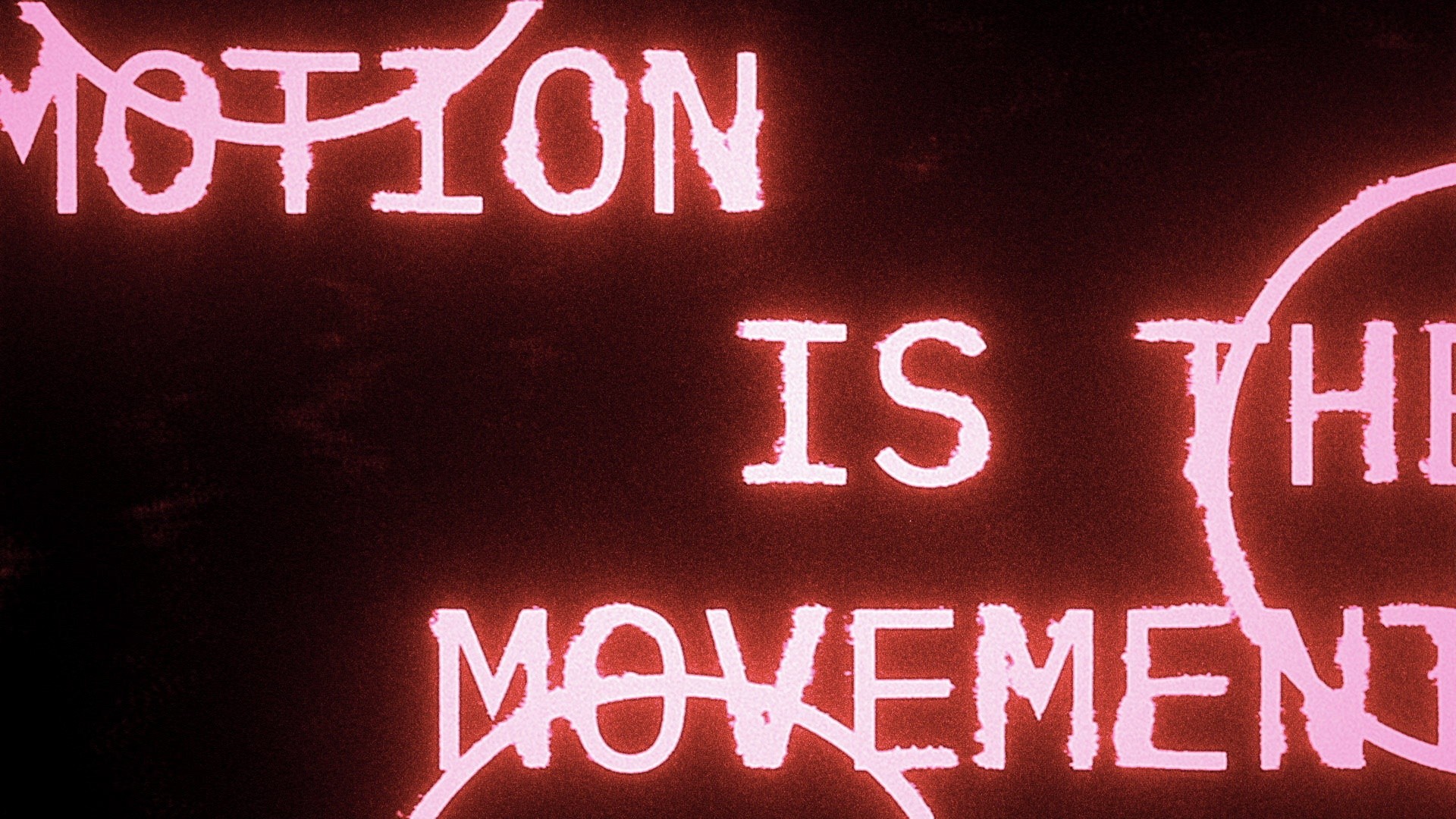
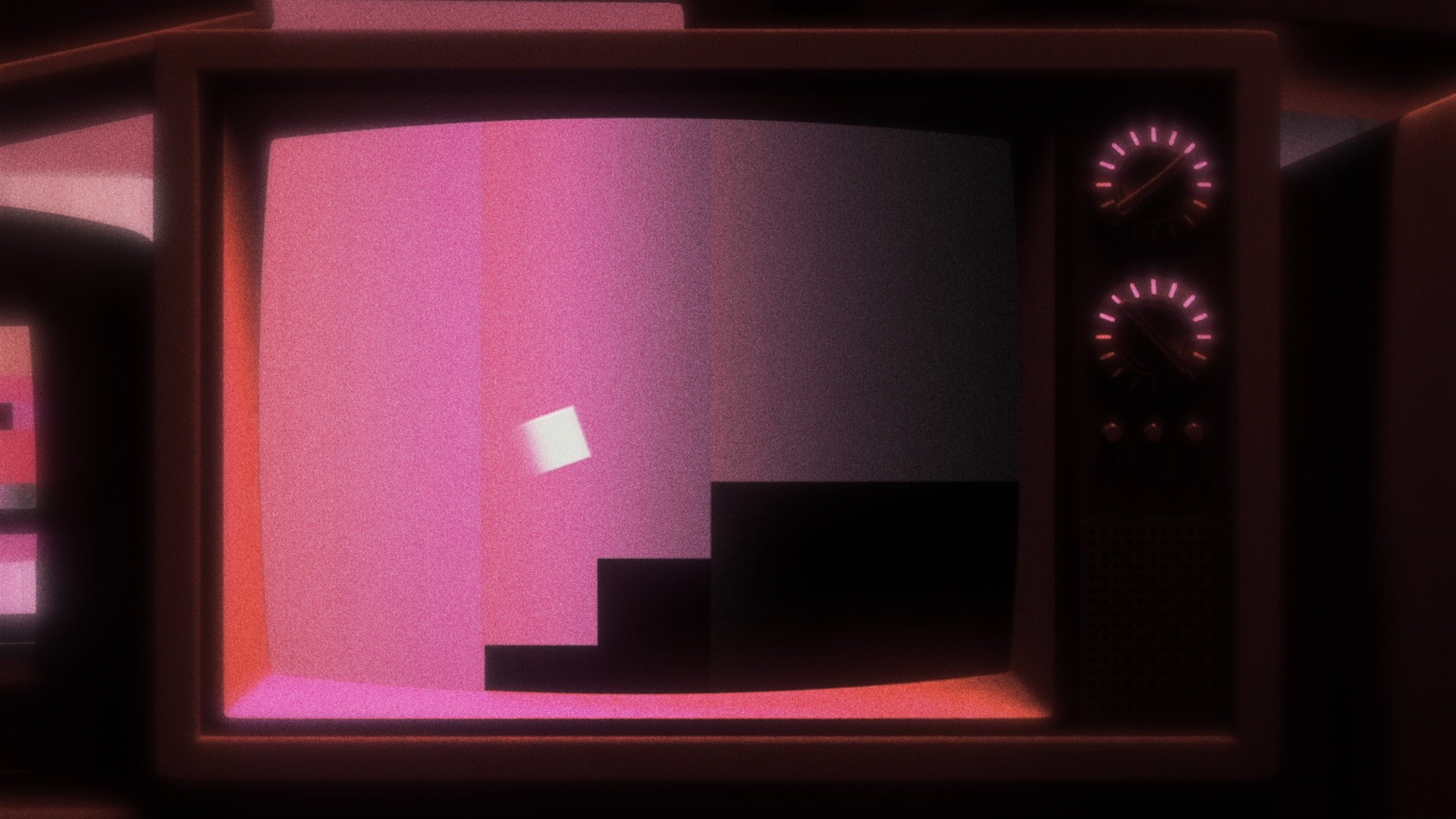
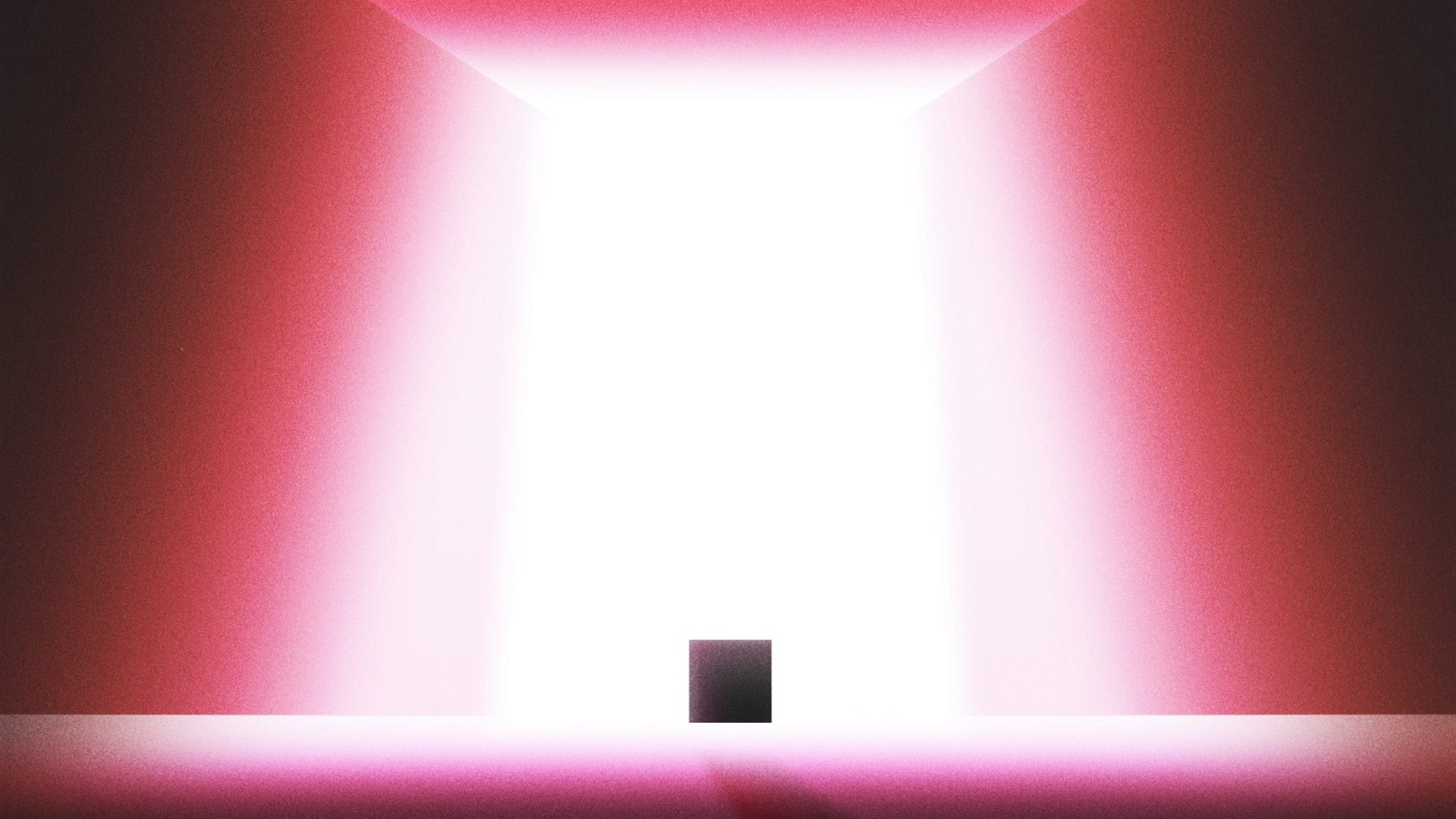
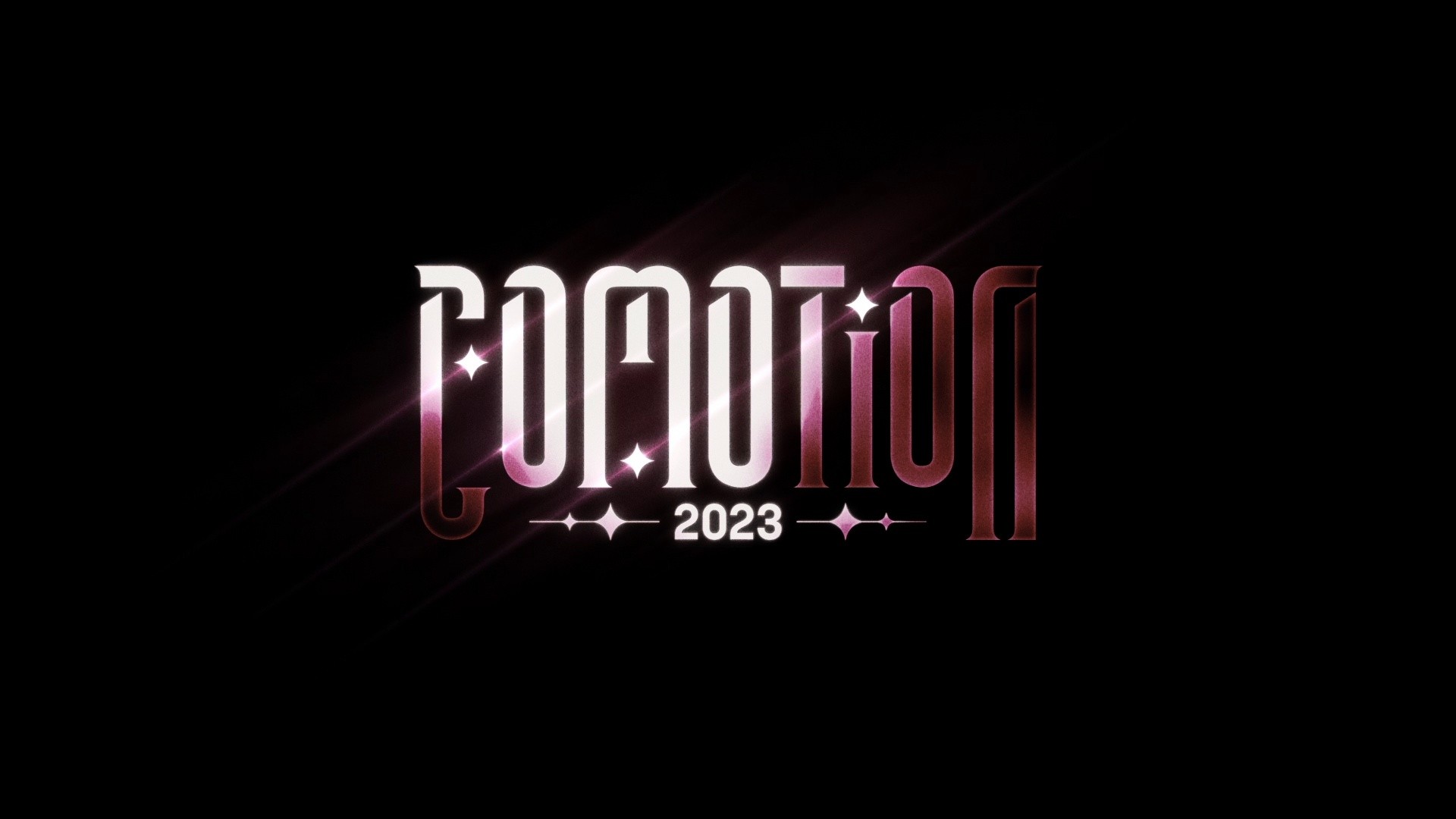
Shots arranged by Stephen Mok; colour correction and integration by Desmond Du.
Breakdown
Pre-Production
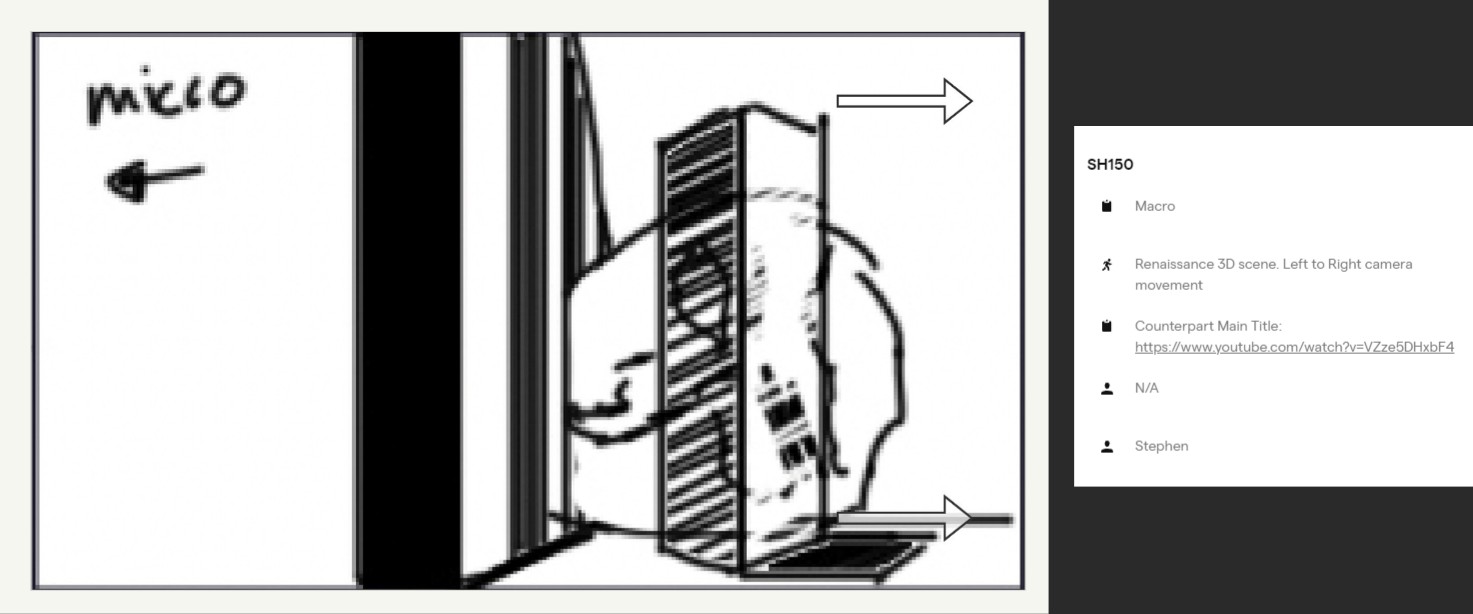
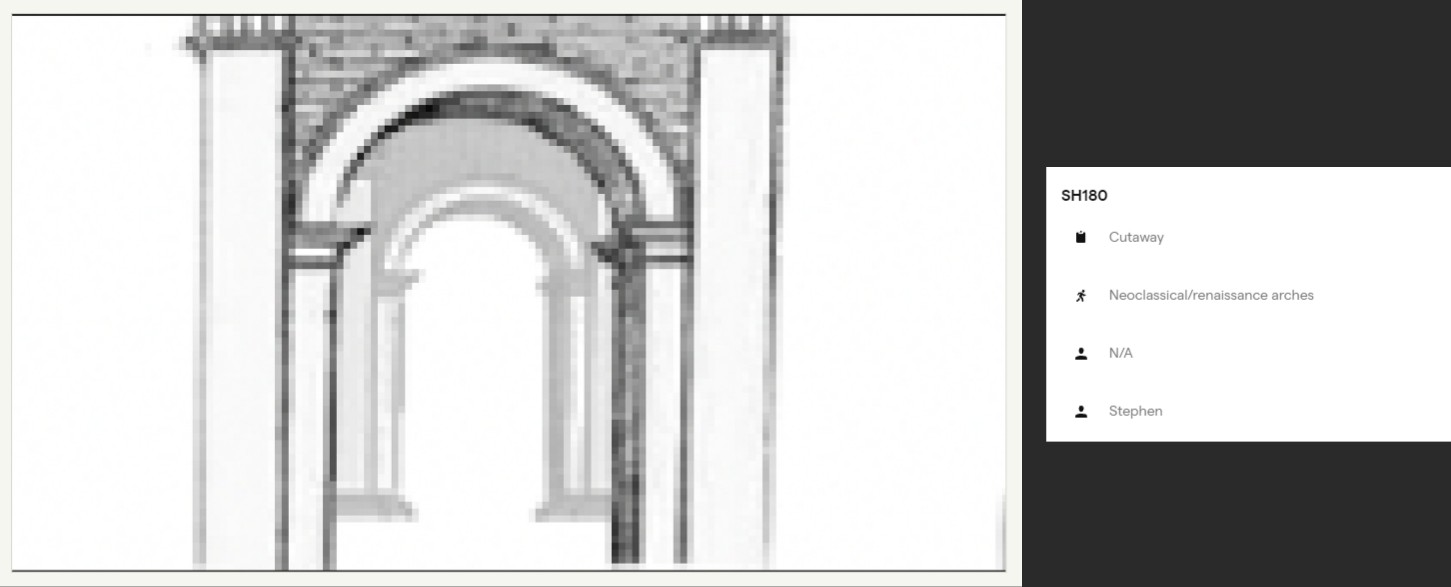
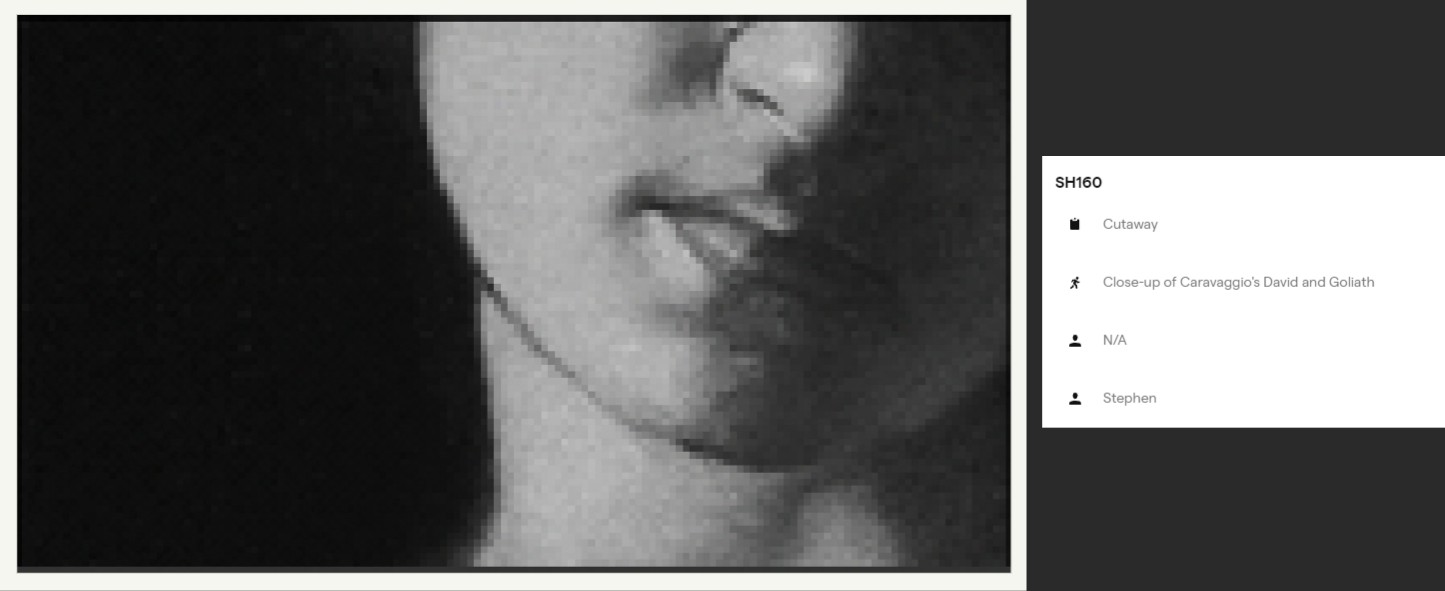
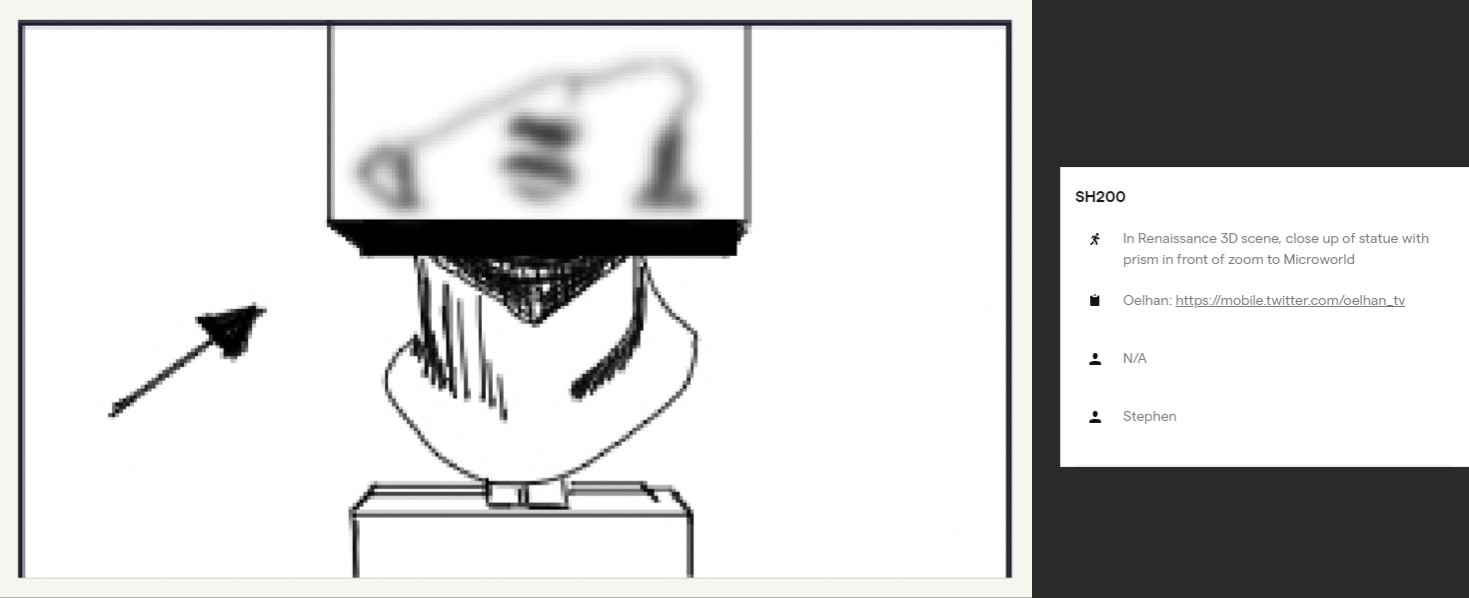
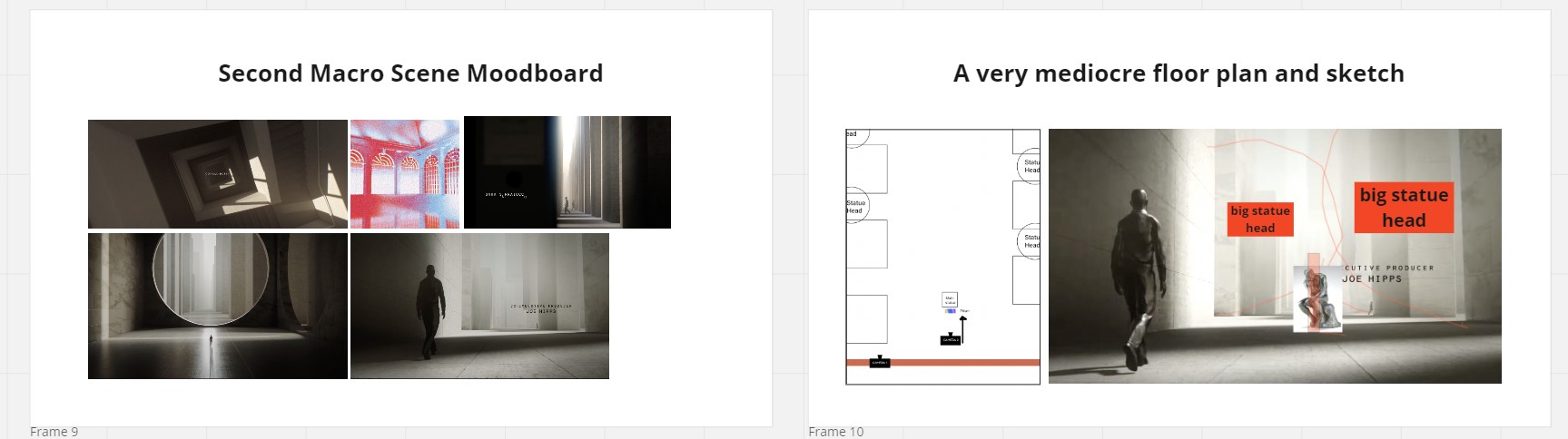
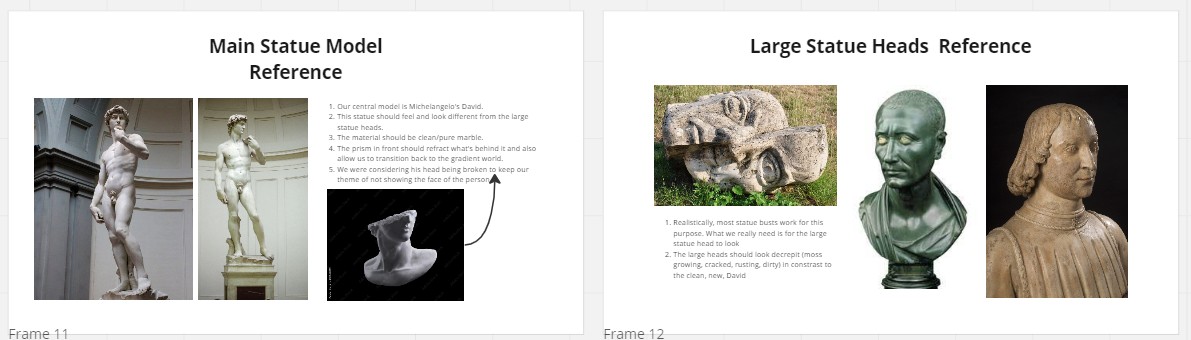
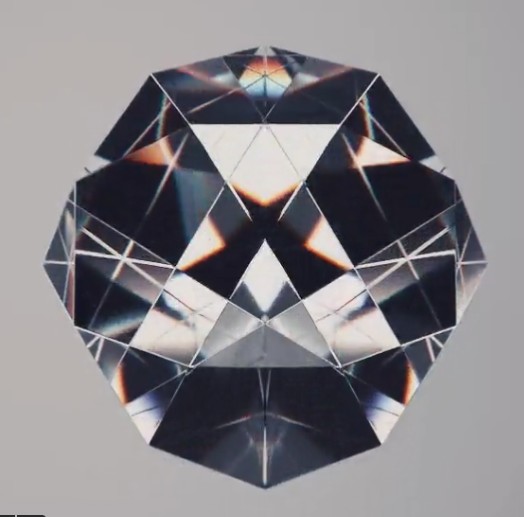
I was presented with moodboards and rough sketches by the Creative Director. This let me offer creative input and direct the assembly of the environment and the framing of the shots. To better comprehend the scale and concept behind the shots, I requested a rough floorplan. This allowed me to ensure that the final product would meet the intended vision and objectives of the project.
Blockout and Grey-boxing
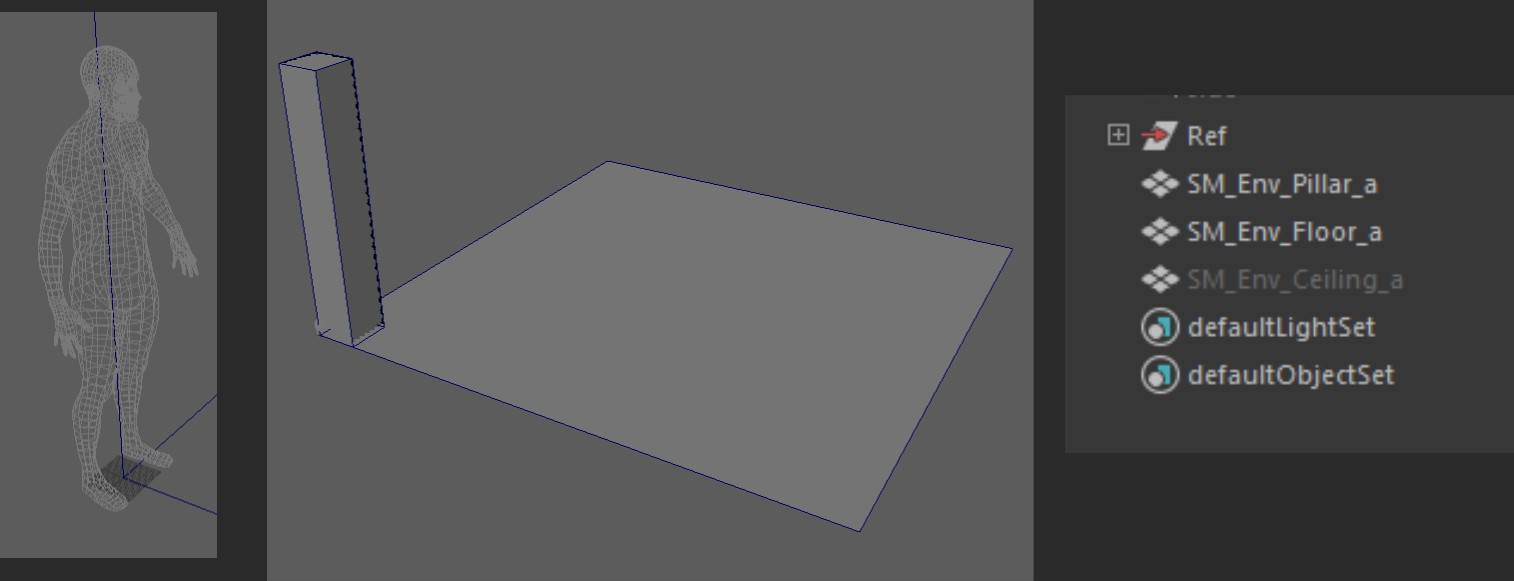
With a clear understanding of the Creative Director's vision, I initiated the production process. I opted to model the environment using modular pieces to conserve resources and maintain a real-time pipeline. The blockout stage was relatively simple, as I had the advantage of working in real-time, which allowed for efficient prototyping. This allowed me to make changes and adjustments quickly, keeping the project on track and within budget.
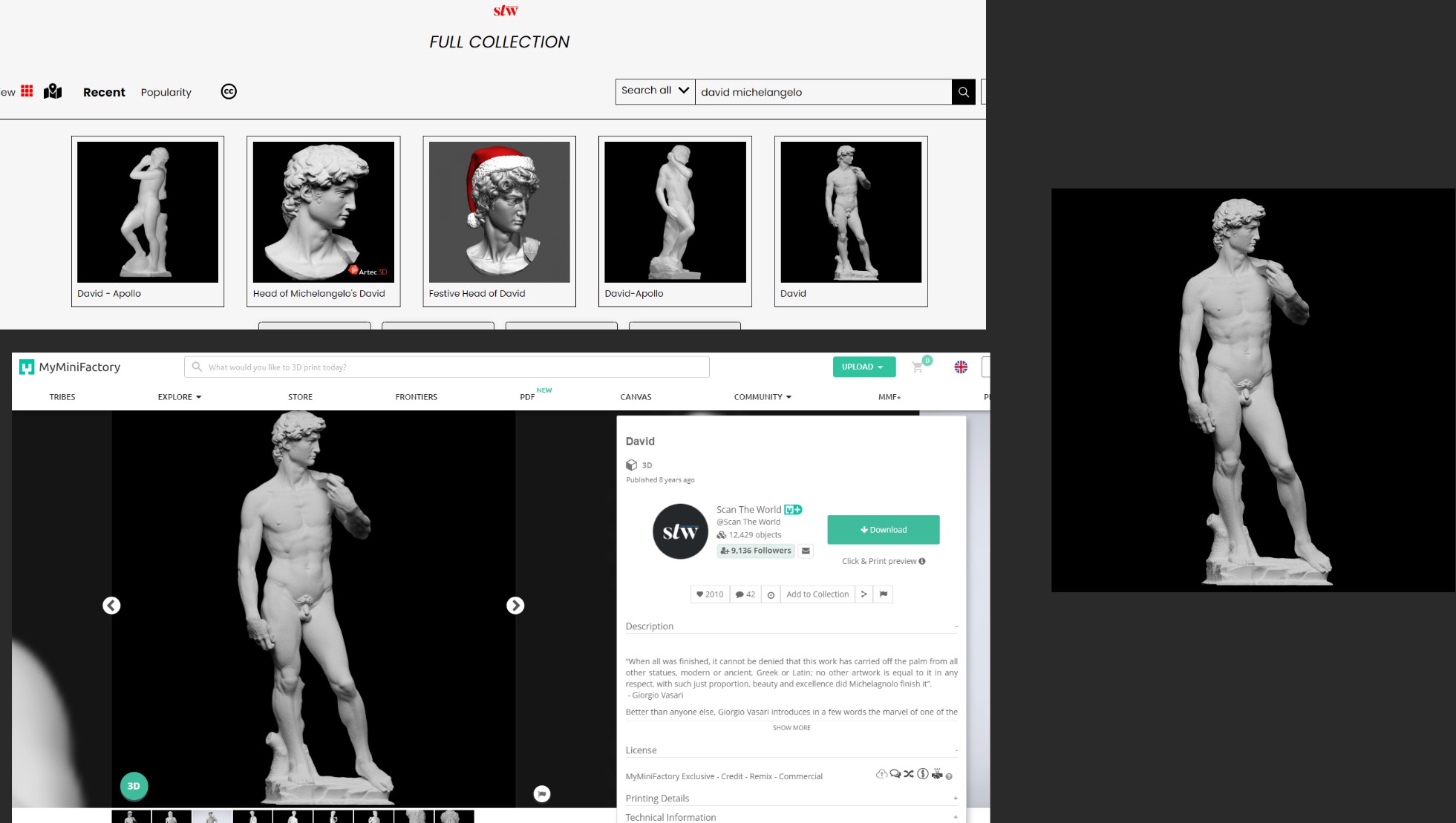
In my shots, I was required to incorporate several Renaissance-style statues, including Michelangelo's David. To find the appropriate models for my scenes, I utilized Scan The World's extensive asset library. These assets were then optimized for real-time use through the process of cleaning them up using ZBrush and Maya. This ensured that the models would perform efficiently in the final product and meet the demanding requirements of the real-time pipeline.
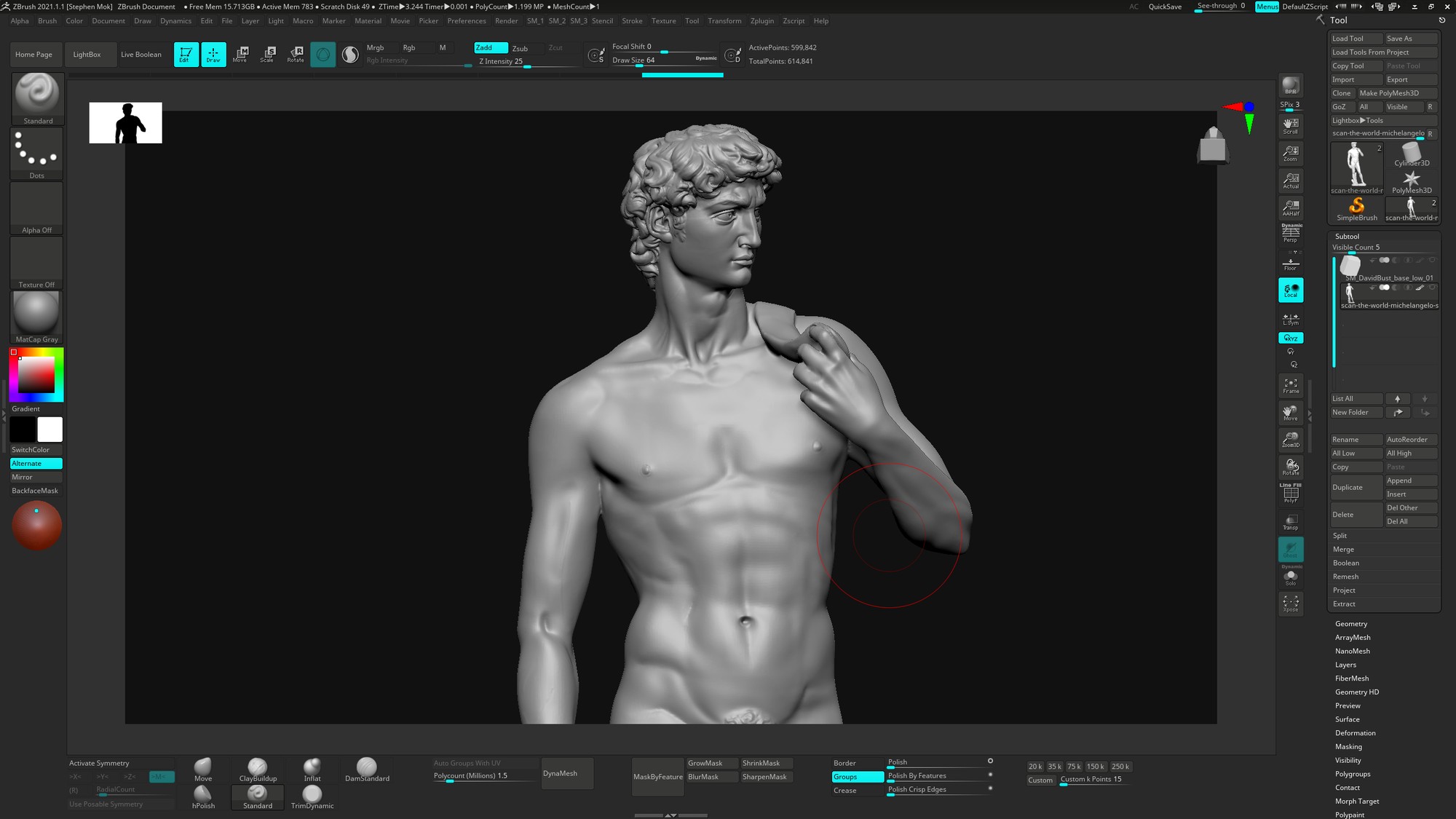
In order to bring my shots to life, I chose to work with Unreal Engine 5 and take advantage of Epic's Nanite technology. By modeling the environment assets as modular pieces, I constructed the environment efficiently and established a basic lighting setup in Unreal. The optimized statues were imported and converted into Nanite geometry to preserve their high-fidelity appearance. This approach allowed me to complete a first pass of the scene, showcasing the power and potential of Unreal Engine 5's Nanite technology (below).
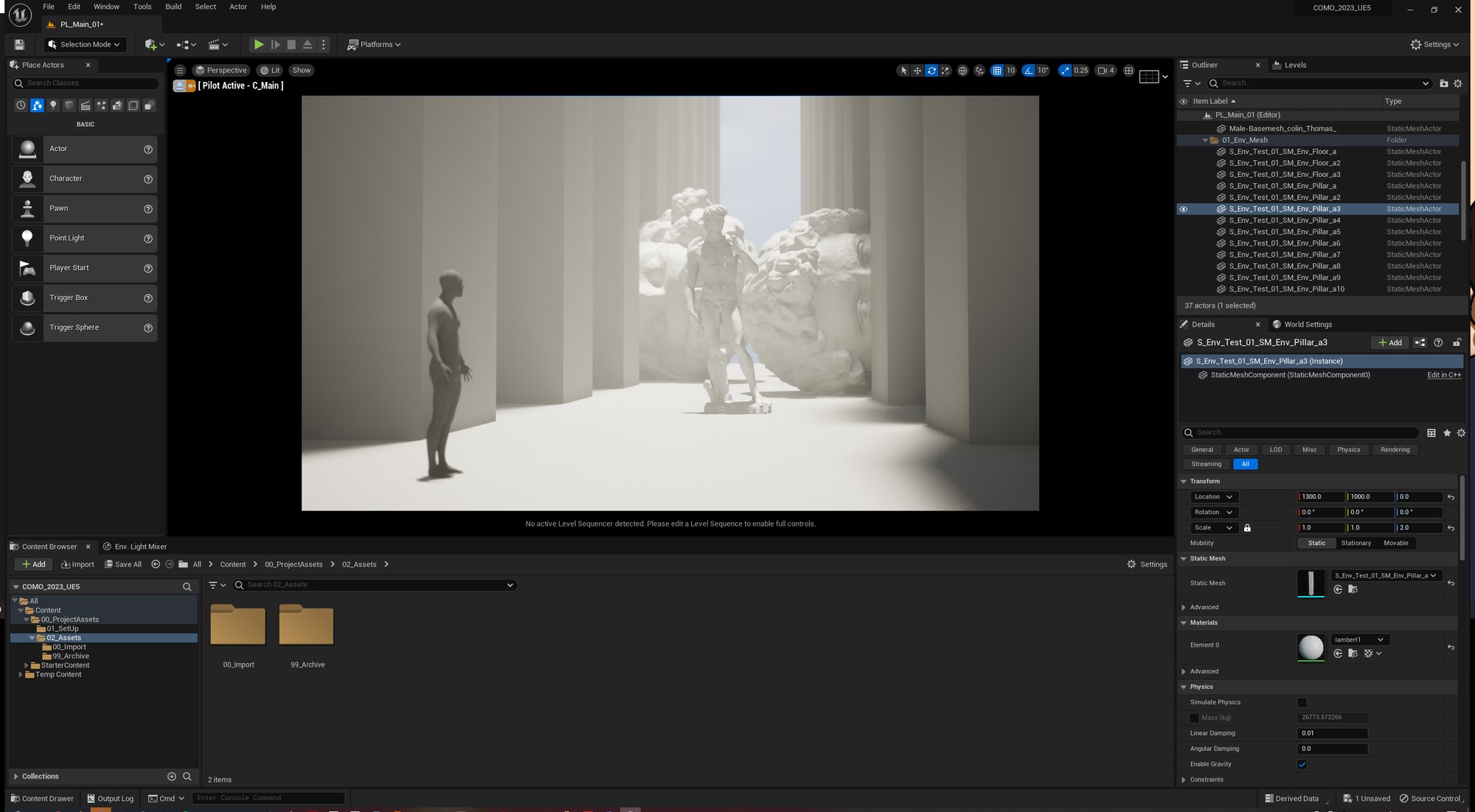
I quickly created several more lighting iterations to find the one that best suited the Creative Director’s vision.
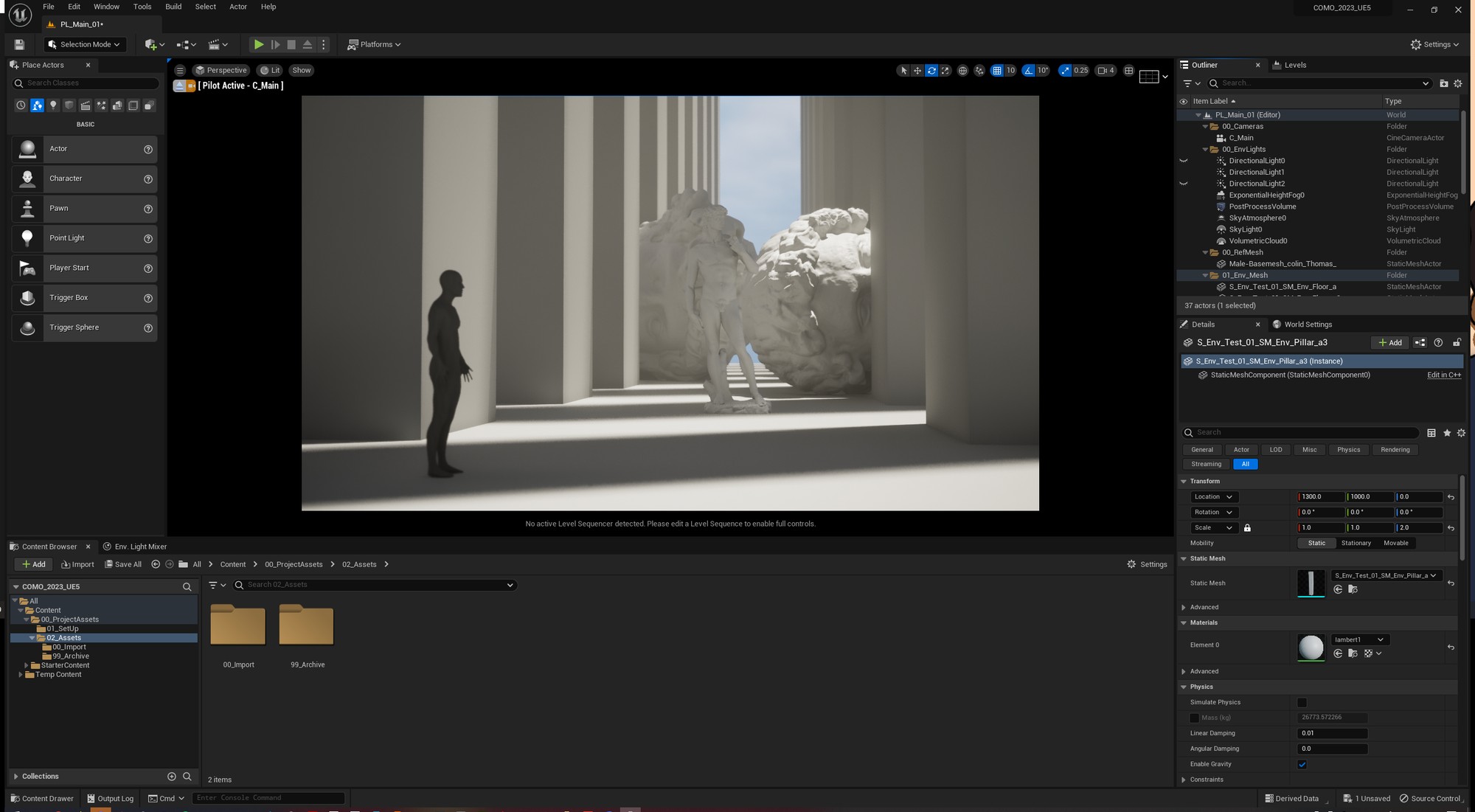
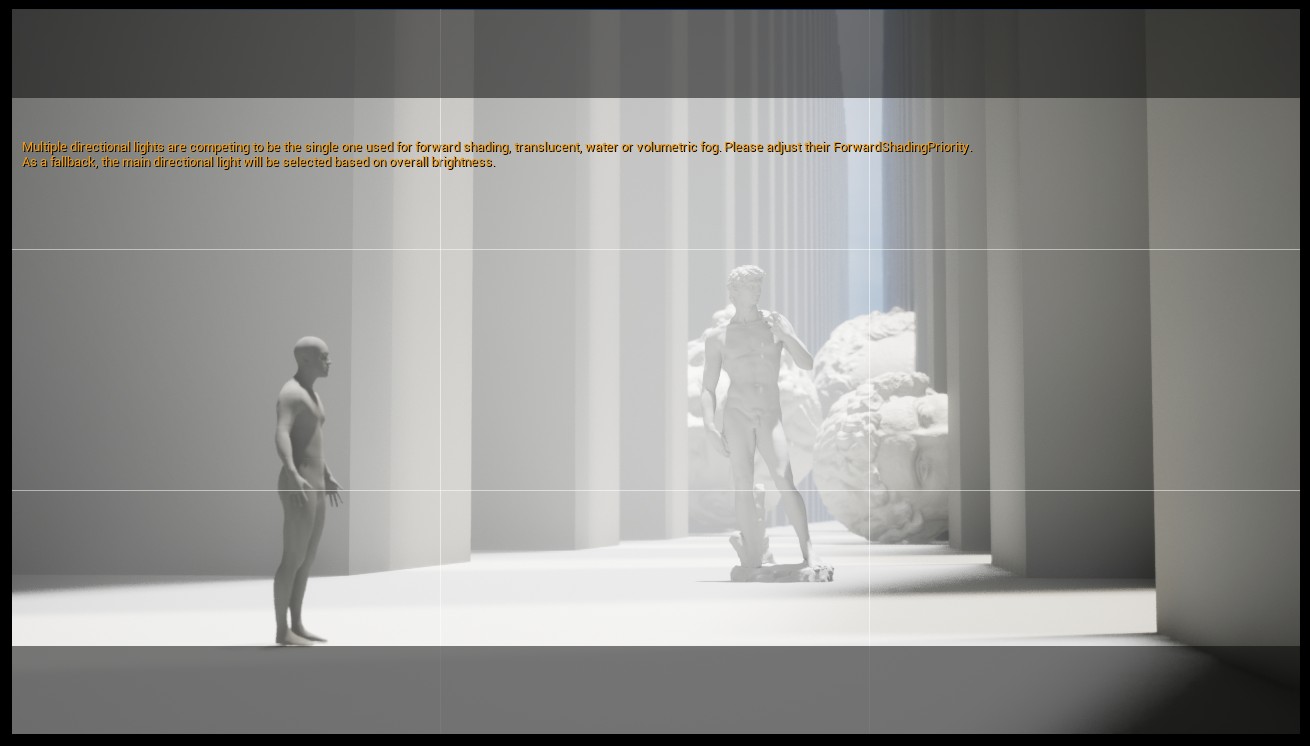
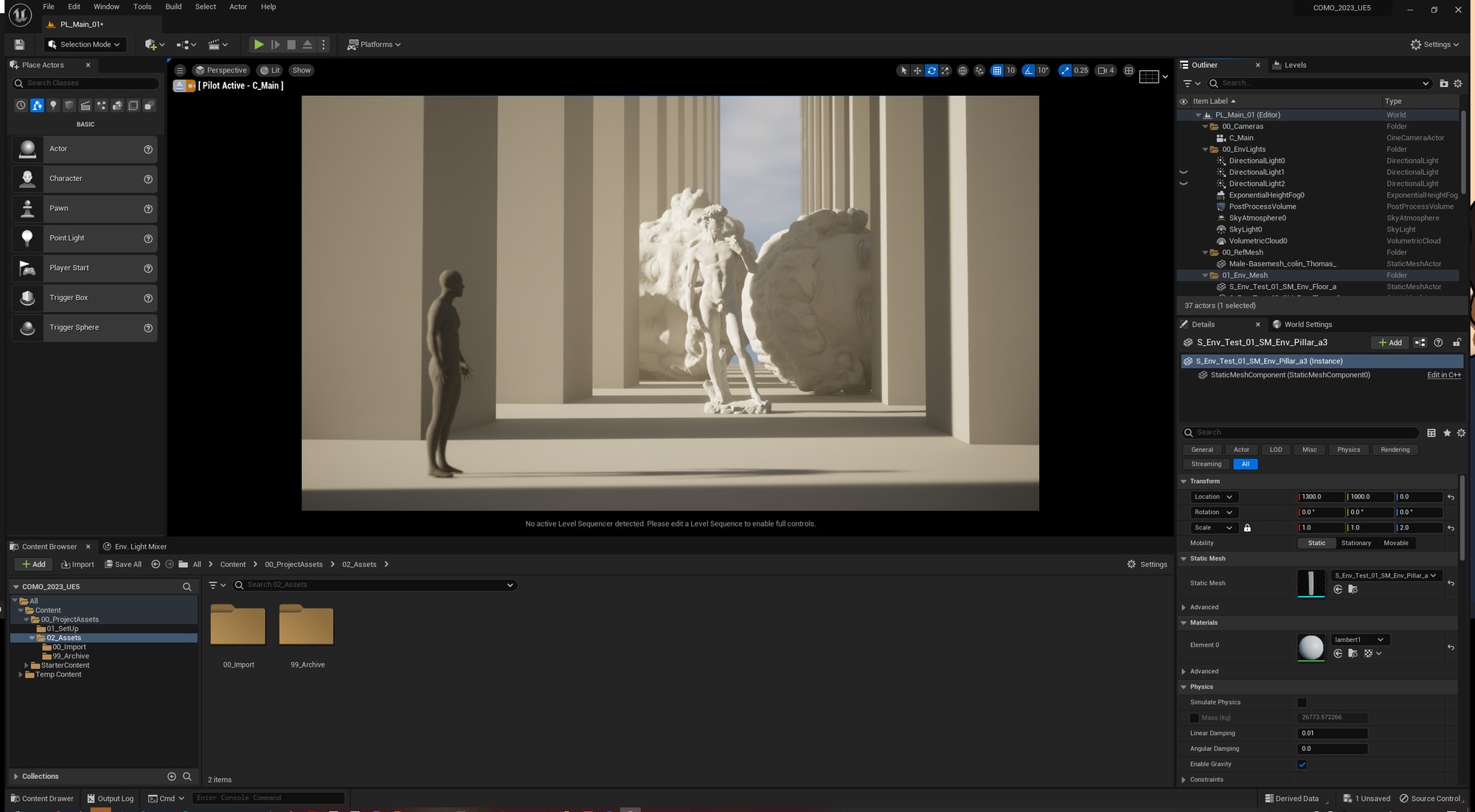
Through close collaboration with the Creative Director and Producers, I determined the desired scale of the scene. This involved a lot of back and forth discussion and experimentation, but the outcome was well worth it. By collaborating closely with the team, I created a scene that met their vision and expectations and delivered a powerful visual experience.
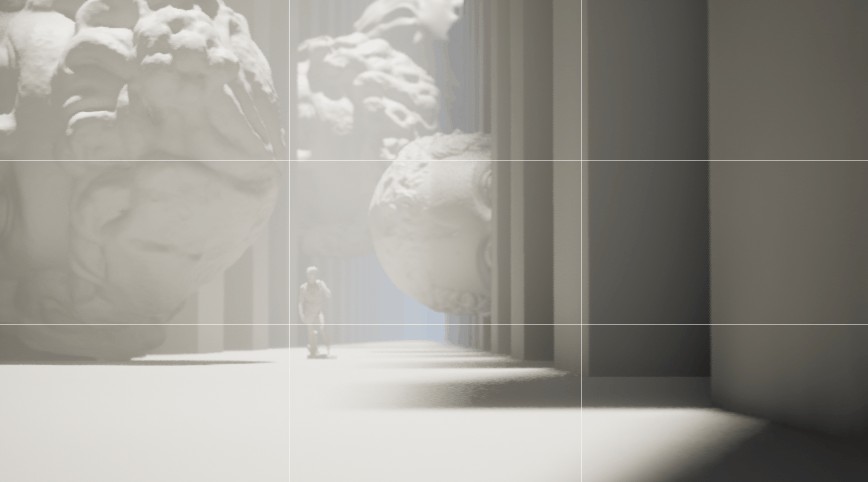
With the scale finalised, I began refining the existing geometry back in Maya. To save time and resources, the modular environment does not have baked information. As a result, much of the assets’ curvature and definition was done through bevelling and subdivision. Due to the modular workflow, I simply reimported my assets and the geometry in the environment updated itself. To efficiently apply textures to the modular environment, I utilized Epic's Quixel Megascans library.
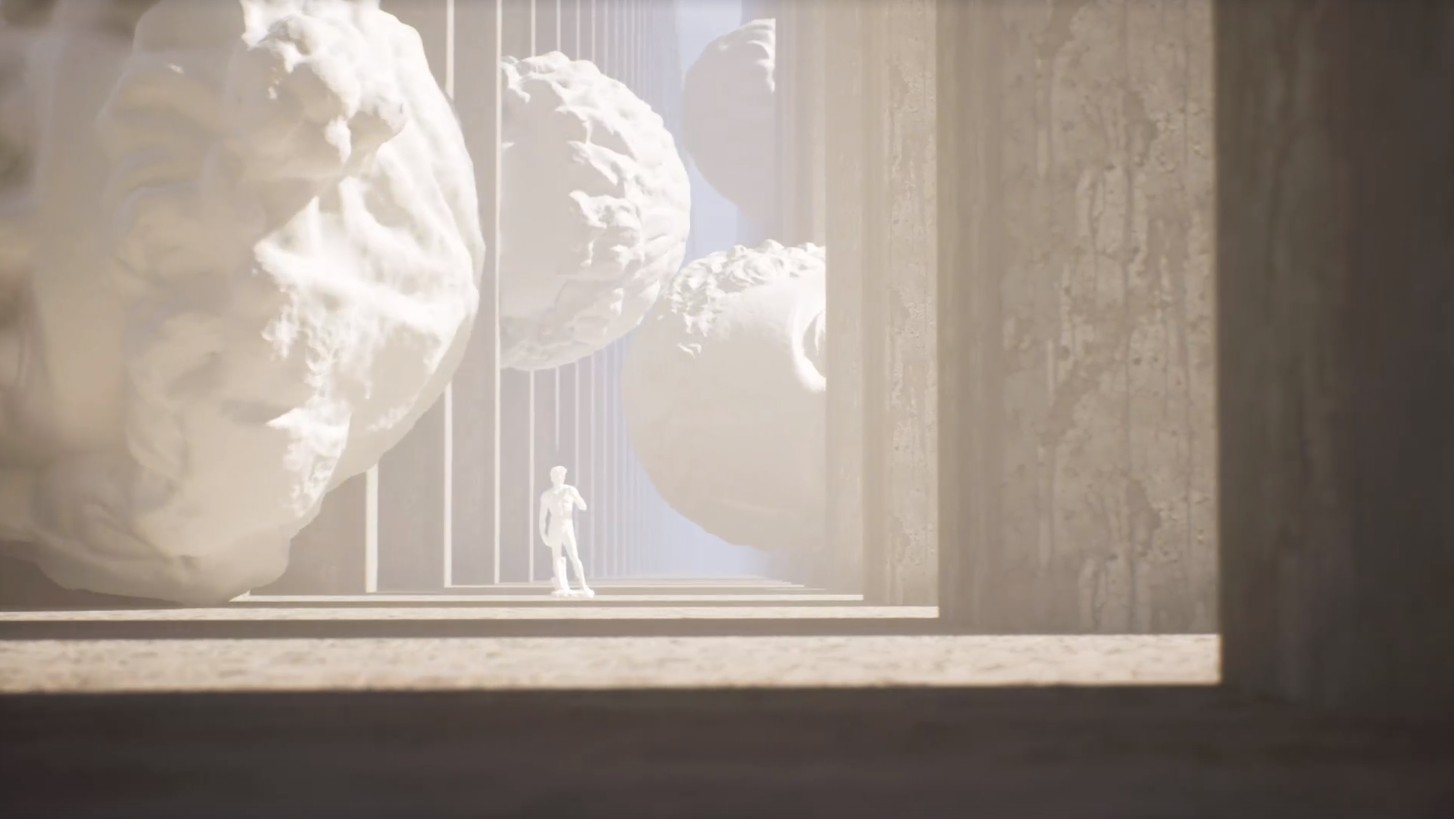
Once I was satisfied with the scene and the assets, I began setting up my camera shots. I used Unreal Engine’s sequencer and level variants to quickly iterate between compositional and environmental set-ups. The process was very quick, and I did several mock renders before finalising the camera framing and movement.
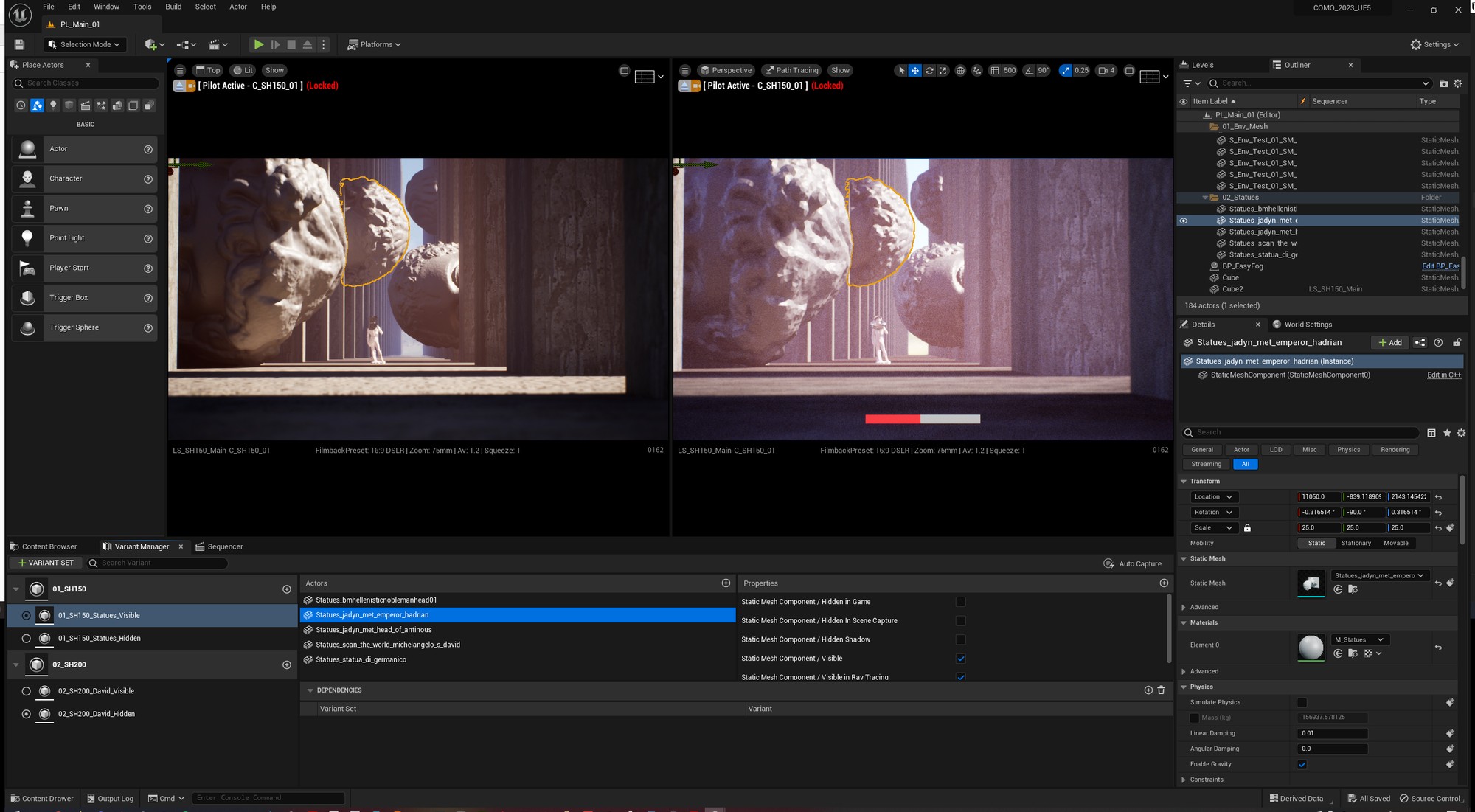
After finalising my camera angles, I began my rendering process. I added some post processing to streamline the colour-grading process later that would be done by the Animation Lead. I made my renders using Unreal Engine's Render Queues plug-in, ensuring the highest level of visual fidelity through the use of Unreal's path-tracing output and optimised Nanite geometry through various console variations. The difference between Lumen and path-tracing was almost night-and-day, especially through the prism.
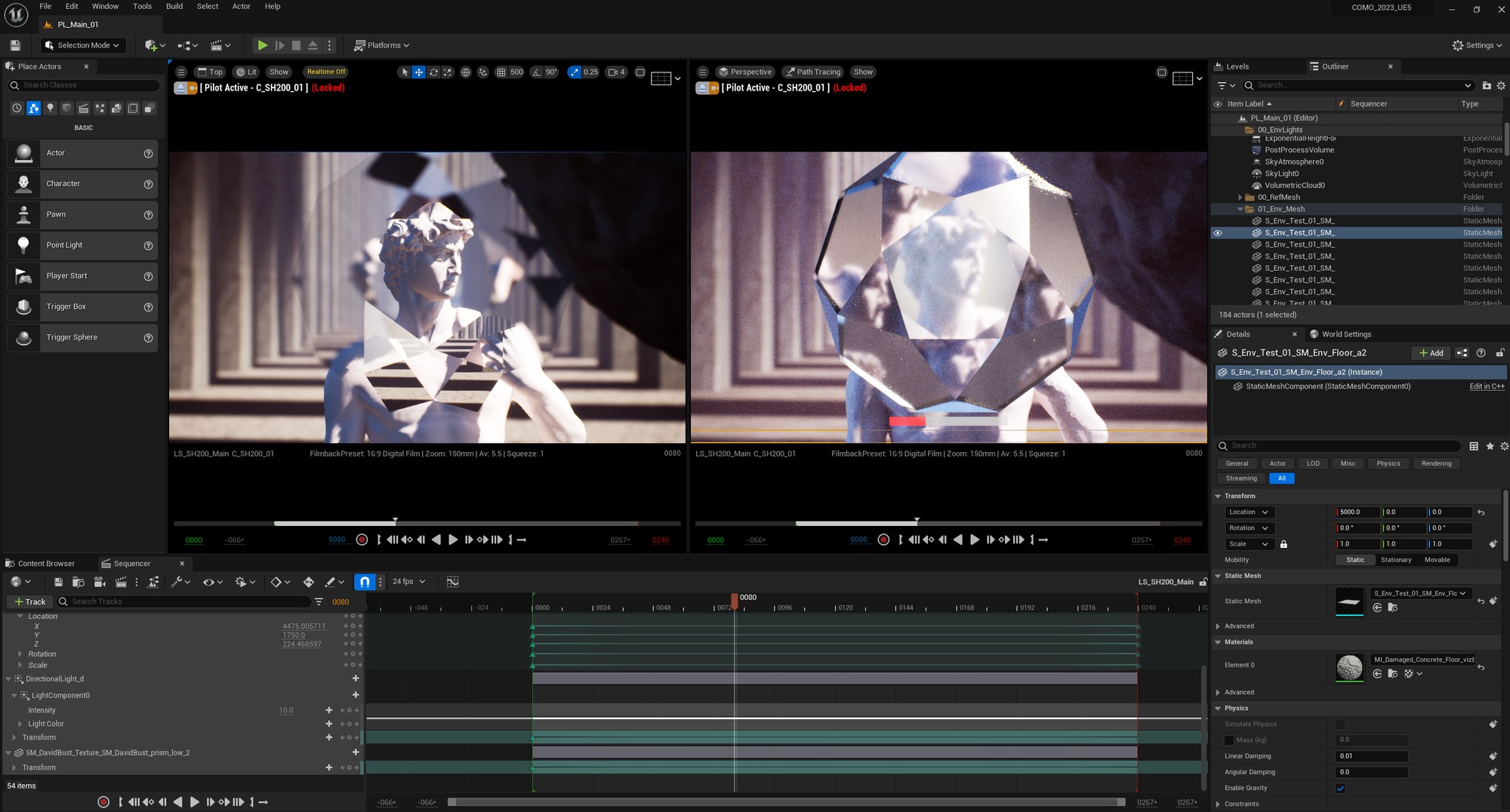
Once the renders were completed and rendered in EXR format and in ACEScg colour output, they were passed onto the Animation Lead to colour grade and integrate into the title sequence.